Latest posts from Codename One.
Blog
Insights, release updates, tutorials, and engineering notes from the Codename One team.

Stream APIs, Swift Package Manager, Tutorial Trail Refresh, and the UWP Transition
There are a few updates in Codename One 7.0.229 that are worth discussing together because they all point in the same direction: less legacy friction, more modern Java and iOS workflows, and documentation that reflects how we actually build projects today. Built-in Support for Java Stream APIs One of the long standing gaps in our Java compatibility story was java.util.stream. ...
Official Experimental Java 17 Support for Codename One Projects
We now have official experimental support for Java 17 in Codename One projects. This is available through the Initializr. To use it you should generate a new project and select Java 17 during project creation. Support for Java 17 required work across the toolchain, the generated projects and several targets. This wasn’t just a matter of changing a version number and hoping for the best. ...

Xcode 26 Migration, UIScene Rollout, Initializr Localization Bundles, and More
A lot landed since the last update, so I want to give you a practical summary of what changed and what matters. Xcode 26 Migration Has Started We started the Xcode 26 migration process. This is a staged rollout, which means some iOS builds now run on the newer Xcode and others still run on the previous setup. If you hit a suspicious failure, please report it quickly so we can separate migration fallout from ordinary regressions. ...

New Initializr and Build Server Migration Plan
We have a few important updates that affect our tooling and build infrastructure. The short version: The new Initializr is now available at /initializr/. We will retire the old Initializr on February 27, 2026. Android build server upgrades start first, beginning the weekend of February 27-28, 2026. iOS (Mac) build server upgrades start on Thursday, March 5, 2026. The New Initializr Is Built with Codename One The new Initializr is implemented using Codename One itself. ...

Moving from WordPress to Hugo + Cloudflare Pages
For a long time, the Codename One website ran on WordPress. That was a mistake. WordPress was a nightmare for us: clumsy to work with, slow, painful, and constantly getting in the way of basic maintenance. It repeatedly messed things up and made even simple updates harder than they should have been. We have now moved to a static site setup based on Hugo and Cloudflare Pages. ...

Android Push Changes
We have made some upgrades to our push notification server API. If you deploy apps to Android and use push notifications, you will need to make a small change to the server-side code that sends the HTTP request to our push server. If you do not send push notifications to Android devices, you can ignore this PSA. The Short Version Our Push API now requires a JSON key instead of the old FCM API key. For example, the following is a template for a push notification, (copied from the push cheatsheet). ...

Codename One Shared Files Library
This library provides a wrapper over the Android shared files API to allow your Codename One apps to read and write shared files (i.e. files accessible to other apps). See this on GitHub. See example app using this API here. See use cases for accessing documents and other files here. Background Accessing documents and other files from shared storage (including external and cloud storage). In the past, we used to be able to access files on external storage directly using FileSystemStorage, but more recent android versions block this, requiring you to use theirShared Document APIs. a.k.a Share Files API and Storage Access Framework. ...

How to Build iOS Apps with Java
Learn how to build and publish iOS apps with Java or Kotlin without a Mac or Xcode in this comprehensive guide. In this guide, we will get to know everything about iOS app development with Java. We will discuss the development process, technology involved, prerequisites and general FAQs for building apps for iPhone/iPad using Java. Here are the major topics we’ve covered in this Java iOS app development guide. ...
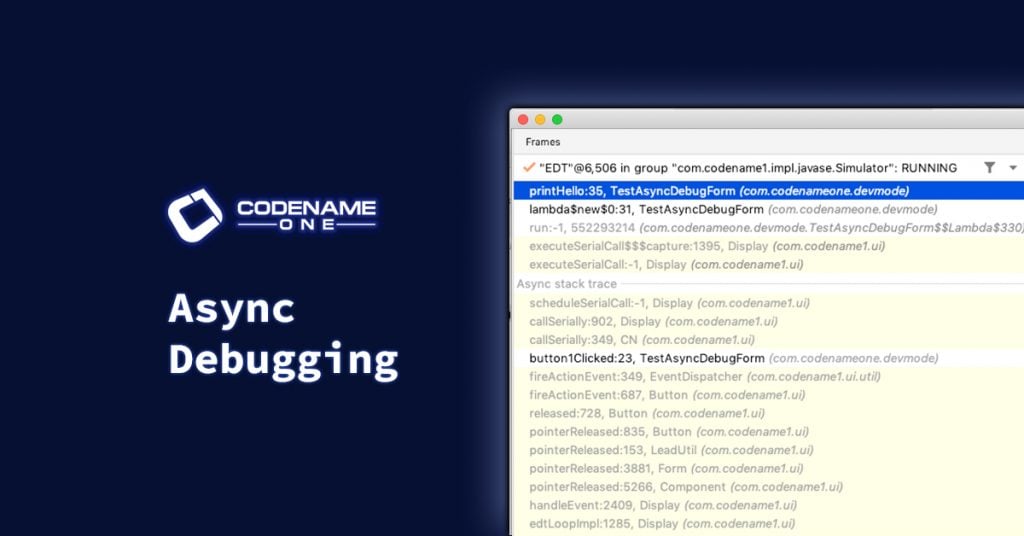
Async Debugging with IntelliJ IDEA
We have added support for IntelliJ’s asynchronous code debugging feature, so that you can more easily debug your asynchronous code. When debugging your apps in IntelliJ, stack-traces will include the “async” context’s stack frames so that you can see the stack trace of the code that scheduled your asynchronous code. For example, methods like callSerially() are notoriously prickly to debug because the “logical” stack trace includes the stack frame in which callSerially(Runnable) is called, and also the frame in which the Runnable‘s run() method is called. It is very difficult to walk up this “logical” stack from a break-point inside the run() method. ...
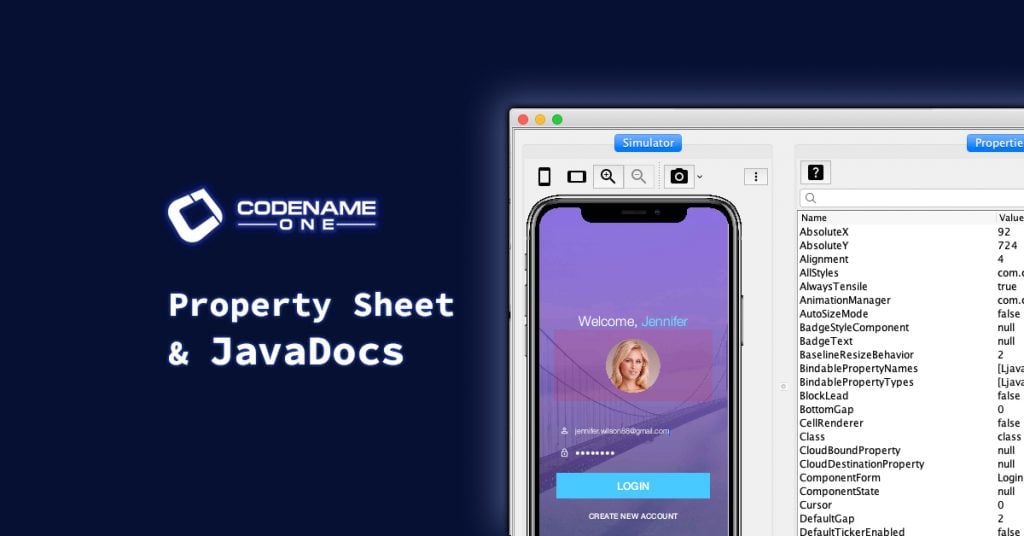
New Property Sheet and JavaDocs
We have added a new property sheet and a JavaDocs button to the toolbar of the Properties panel. To continue the theme of improving the development experience in the simulator, you will find a few new features landing on Friday. Firstly, we have added a new property sheet that shows you the value of all of the properties of the selected component in the component tree. This is useful for checking whether a container is scrollable, or what text property of a button is set to, or pretty much anything else you’d like to know about a component’s state. ...
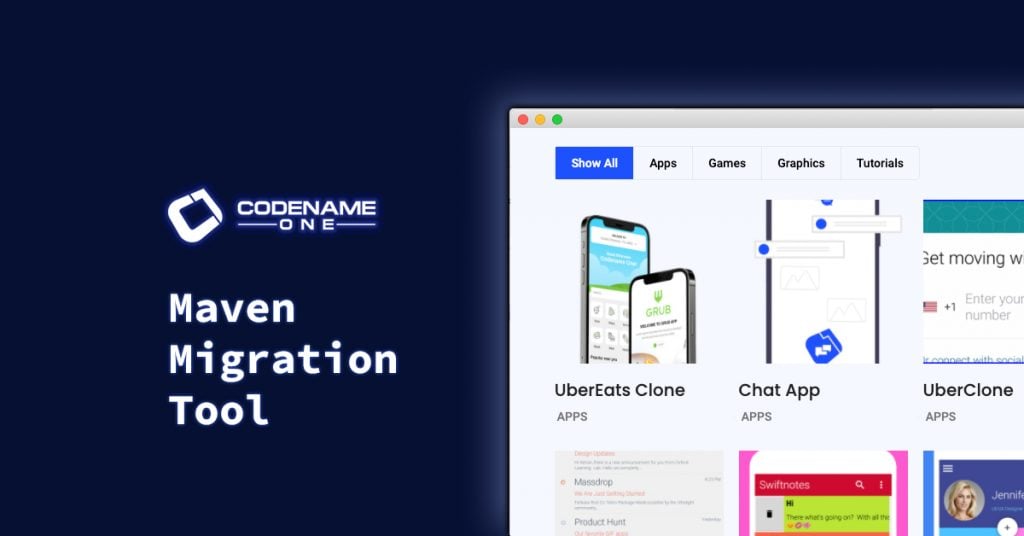
Creating New Projects with Old Templates
Learn how to convert the old Codename One “ANT” project structure demos to Maven projects using the Maven Migration Tool. Since migrating to Maven, the recommended way to create a new Codename One project is using the Codename One initializr tool. It will generate a fresh, new Maven project for you based on a template of your choosing. In order to not overwhelm you, we have thus far kept the template selections in this tool to a minimum. At the time of this writing you can choose one of: ...
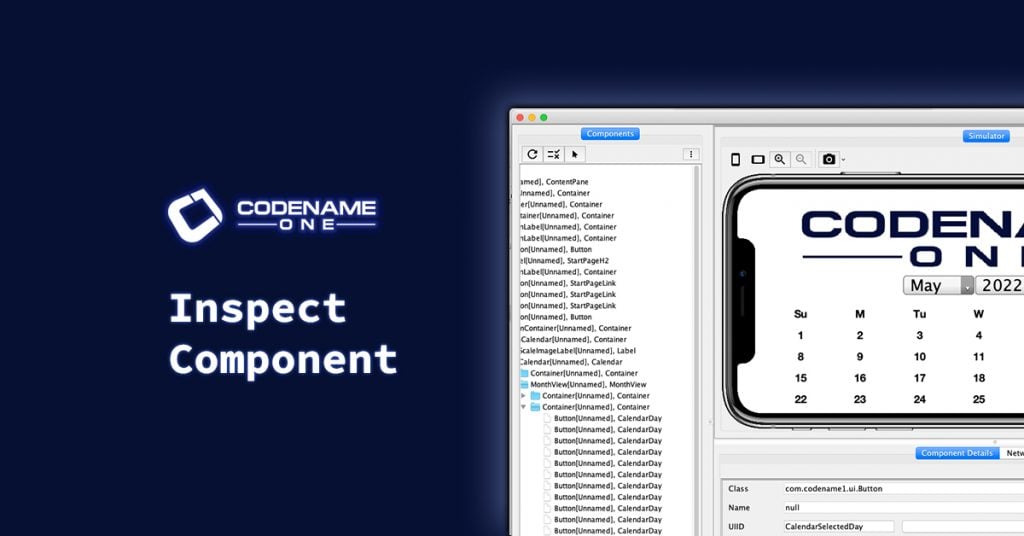
New Feature: Inspect Component
We’ve added support for “Inspect Component”, which is similar to the “Inspect Element” feature available in Chrome. Continuing in the direction of improving the development experience inside the Codename One simulator, we have made another batch of small improvements this week. Notably, we’ve added support for “Inspect Component”, which is similar to the “Inspect Element” feature available in Chrome. Now, if you right-click on a component in the simulator, it will provide you with a context menu. ...