Latest posts from Codename One.
Blog
Insights, release updates, tutorials, and engineering notes from the Codename One team.

Bluetooth Support
Bluetooth is one of those specs that makes me take a step back… It’s nuanced, complex and multi-layered. That isn’t necessarily bad, it solves a remarkably hard problem. Unfortunately when people say the words “bluetooth support” it’s rare to find two people who actually mean the same thing! So while we did have a lot of requests for bluetooth support over the years most of them were too vague and when we tried to follow thru we usually reached a dead end where the customers themselves often didn’t really know the part of the spec they wanted. ...
Cocoapods Support
CocoaPods is a dependency manager for Swift and Objective-C Cocoa projects. It has over eighteen thousand libraries and can help you scale your projects elegantly. Cocoapods can be used in your Codename One project to include native iOS libraries without having to go through the hassle of bundling the actual library into your project. Rather than bundling .h and .a files in your ios/native directory, you can specify which “pods” your app uses via the ios.pods build hint. (There are other build hints also if you need more advanced features). ...
Questions of the Week VII
Woke up this morning to the amazing news of Google winning against Oracle on the issue of fair use! This is great news for everyone as it effectively makes “clean room implementation” legal. This solidifies Java’s status as “open” showing that even its owner has limitations on their power. I might write more about this next week if I have some time, I just hope the verdict doesn’t get turned in an appeal. ...
New Preferences, Command State, Localization & Locking
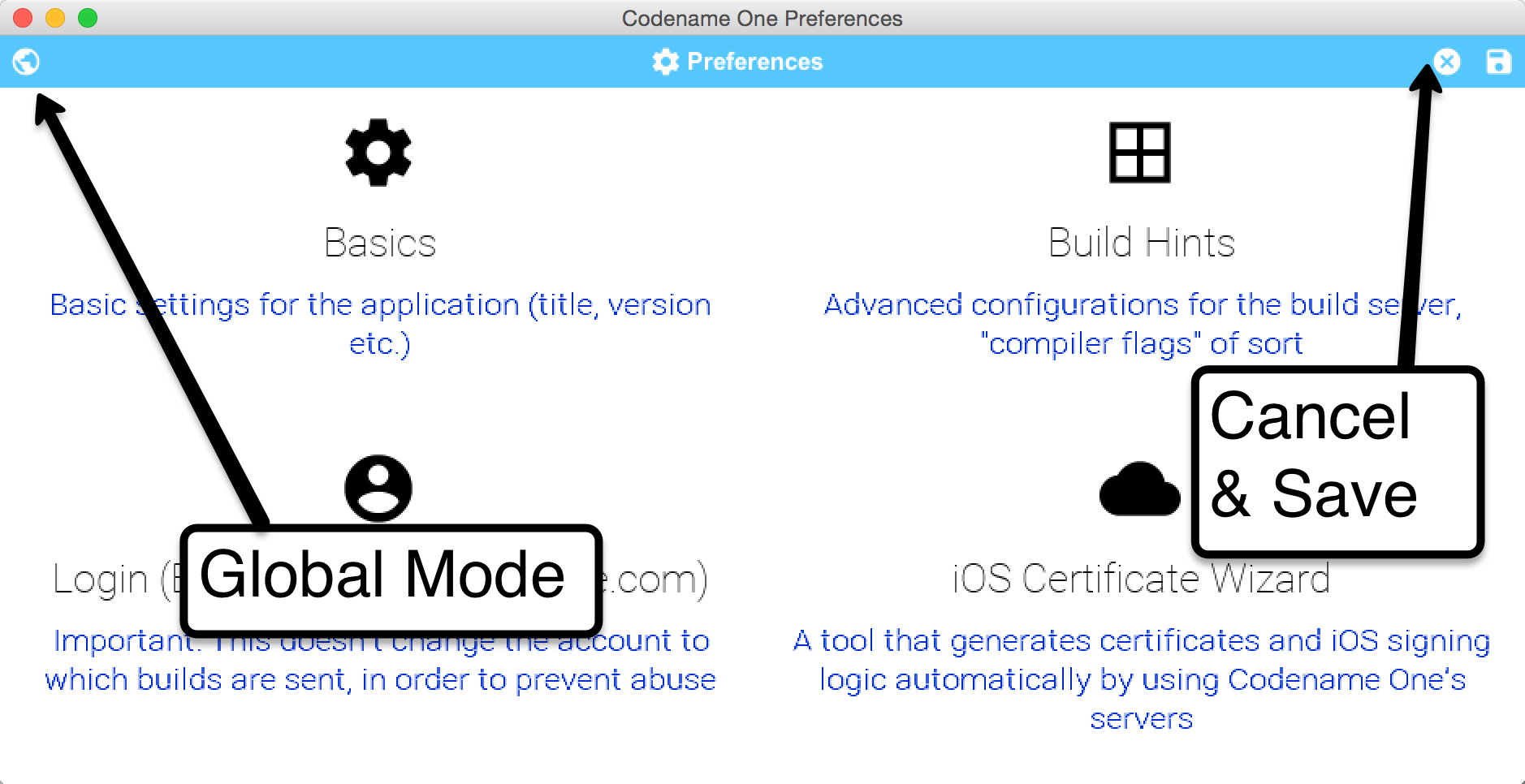
Starting with the new version of the NetBeans plugin we will have the new settings/preferences UI which we introduced in the IntelliJ/IDEA plugin. Currently this will be in addition to the main preferences but as we move forward we will only add features to the new settings UI. You will be able to open the new project preferences UI by right clicking the project and selecting it in the Codename One section: ...
iOS Server Migration Plan
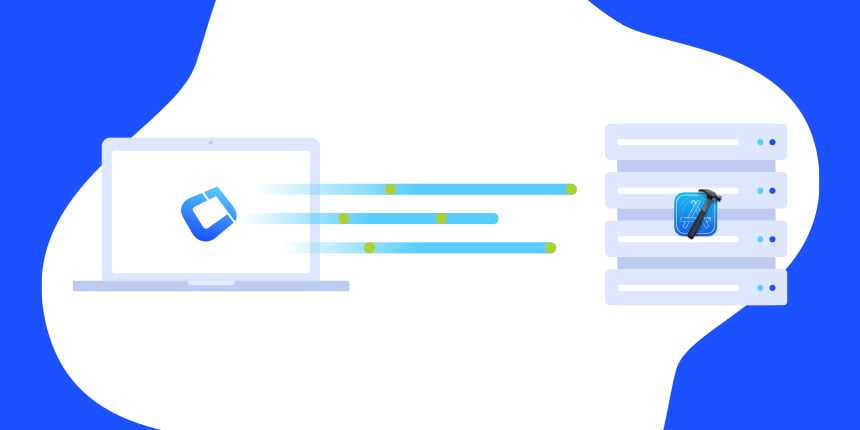
We were stuck on an “old” version of xcode in the build servers. This hasn’t been a big deal for most features but in some cases we are running into issues e.g. in using the full capabilities of the new iPad or 3d touch. The reason for this is Apples backwards compatibility policy. Apple allows you to run an older version of xcode, but the newer versions of xcode always require the latest version of Mac OS X. The problem here is that the latest version of Mac OS X doesn’t support older versions of xcode so if we upgrade we won’t be able to support older versions of the build… ...
Property Cross Revisited
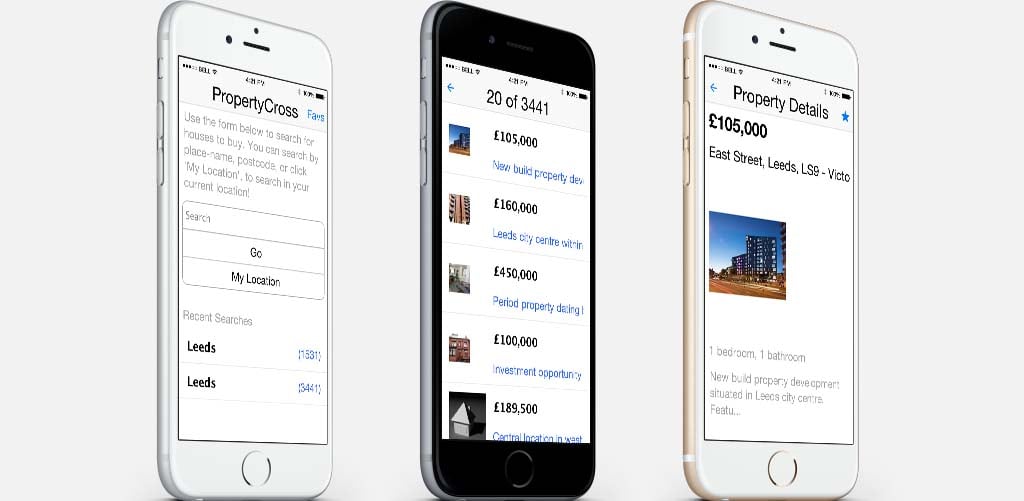
PropertyCross is one of our newer demos, due to that there was relatively very little work needed to modernize it and this resulted in a stunning improvement over the existing demo. During that process we also discovered a small regression due to changed in the web service we relied on. Check the live version running on the right hand side thanks to the power of the Codename One JavaScript port! ...
Sticky Headers
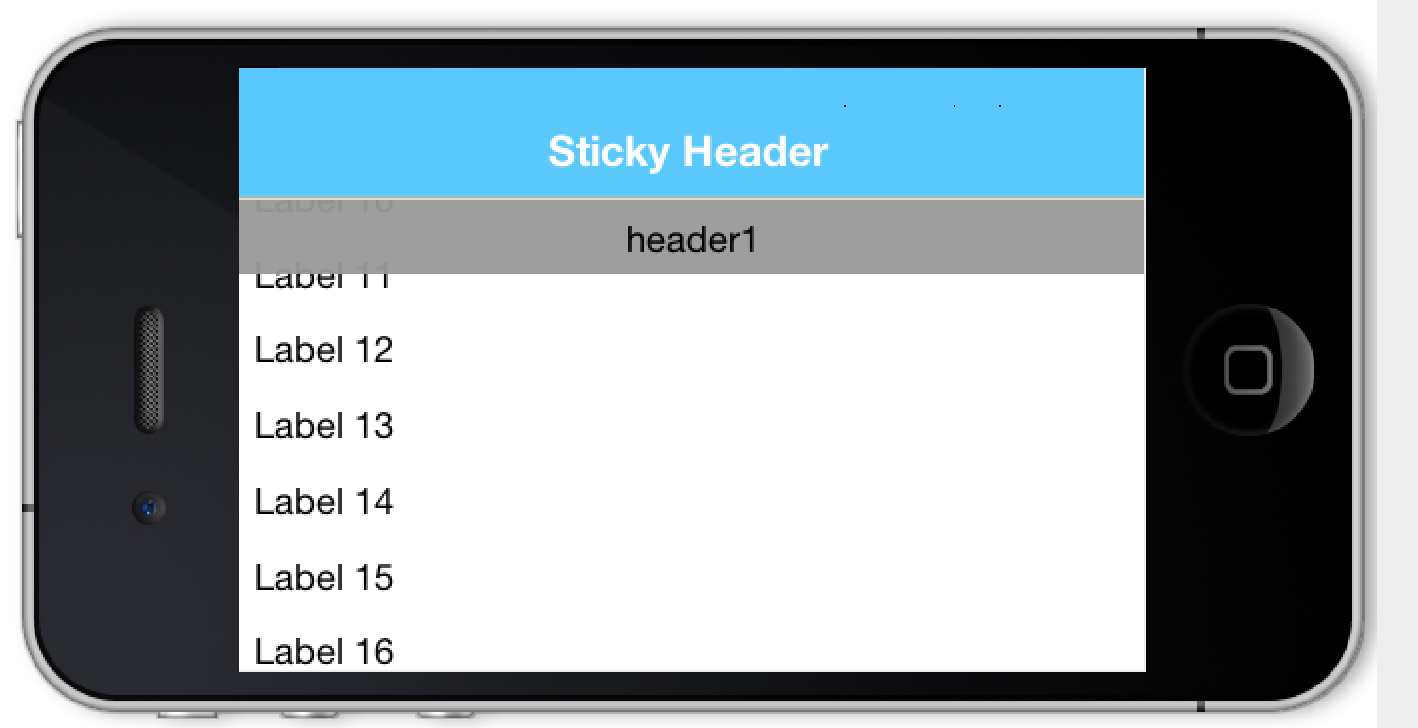
Sticky headers was one of the first big requests we said no to. Back in the day a lot of people asked for it but we always shot it down because it was too hard to implement on top of our Swing inspired lists. This predated our Container improvement, InfiniteContainer and InfiniteScrollAdapter. While our preference for lists has waned we never got around to show how easy it is to do sticky headers with Container until last week when Chen released the sticky headers demo. ...
Pressed/Selected Icon Font & UTF-8
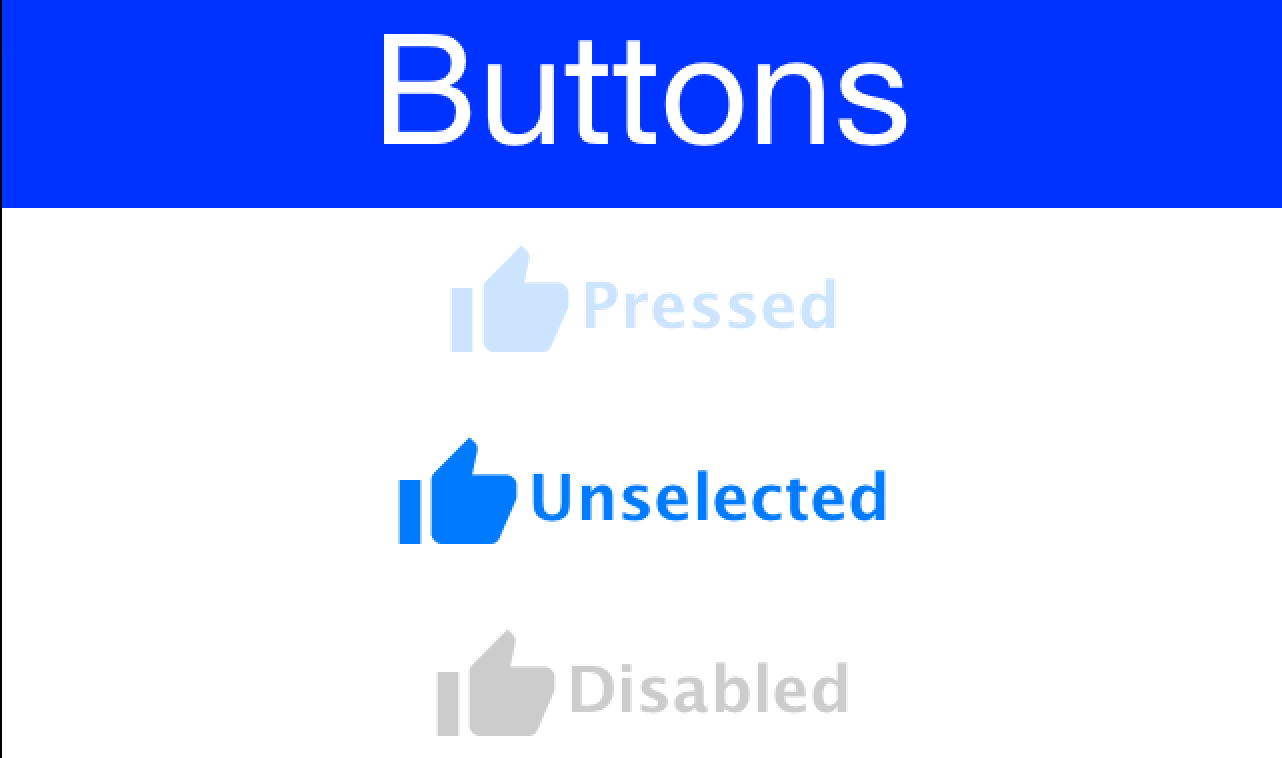
One of our support emails drew my attention to a glaring ommission in our icon font support… When we create an icon for a Button it’s color matches the unselected color of the button which might not look as attractive when the Buton is selected or pressed! The thing is that with an icon font this is trivial to accomplish and requires literally no code changes. So starting with the the next update calling FontImage.setMaterialIcon(Label l, char icon) or FontImage.setMaterialIcon(Label l, char icon, float size) with a Button will implicitly set the pressed/selected & disabled icons for the button. ...
Questions of the Week VI
It’s been quite a busy week with many changes and updates, some of those were in line for a couple of tools we plan to introduce over the next few weeks. This week I also placed an interesting thread from the discussion group. Normally I try to keep this focused on stackoverflow but if a good thread comes up in the discussion group that raises an interesting topic I think this is a good place for it too. ...
Featured App – yHomework
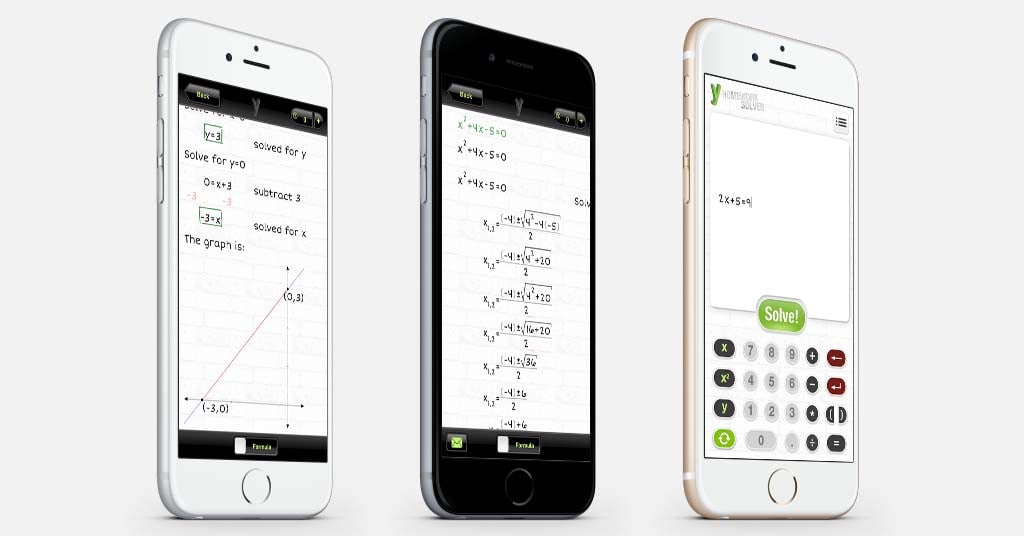
We’re all pretty jaded when it comes to software but when I first saw yHomework I was completely floored by it! Where was this tool when I was in junior high? If you haven’t seen yHomework in action I suggest you give it a try right now on your Android or iOS device. In a nutshell the app accepts several types of math equations starting with the basic algebra e.g 3(x+5)=6 and then shows you the process of solving it as if a human teacher solved it for you. Including text explanation of every step that you can just read thru and understand! ...
Zip and Toast
One of the often requested features in Codename One is zip support, we had some issues with it until a couple of years back when we added tar and gzip support. But people still asked for standard zip file support which was missing. We’re working on a tool that we hope to share next week that needs zip to work. Initially we thought about doing this natively as zip works on most native OS’s but one of the true benefits of the tool is if we can get it to work in the JavaScript port live on the web… ...
Toolbar Back & Easier Material Icons
When we initially launched Codename One it was pretty hard to imagine todays apps. Menus and back navigation were miles apart when comparing Android 2.x and iOS 4.x… So we created a very elaborate set of abstractions (command behavior) that served as a set of patch framework we could live with for a while. But like any patch framework this started crumbling under its shear weight and this lead us to the Toolbar API. The reason we could do that is that a lot of the platform differences have converged, in 2012 it was blasphemy to have a back button in Android title area and now it’s the official material design guideline. ...