Latest posts from Codename One.
Blog
Insights, release updates, tutorials, and engineering notes from the Codename One team.
Edit UDID in Component Inspector
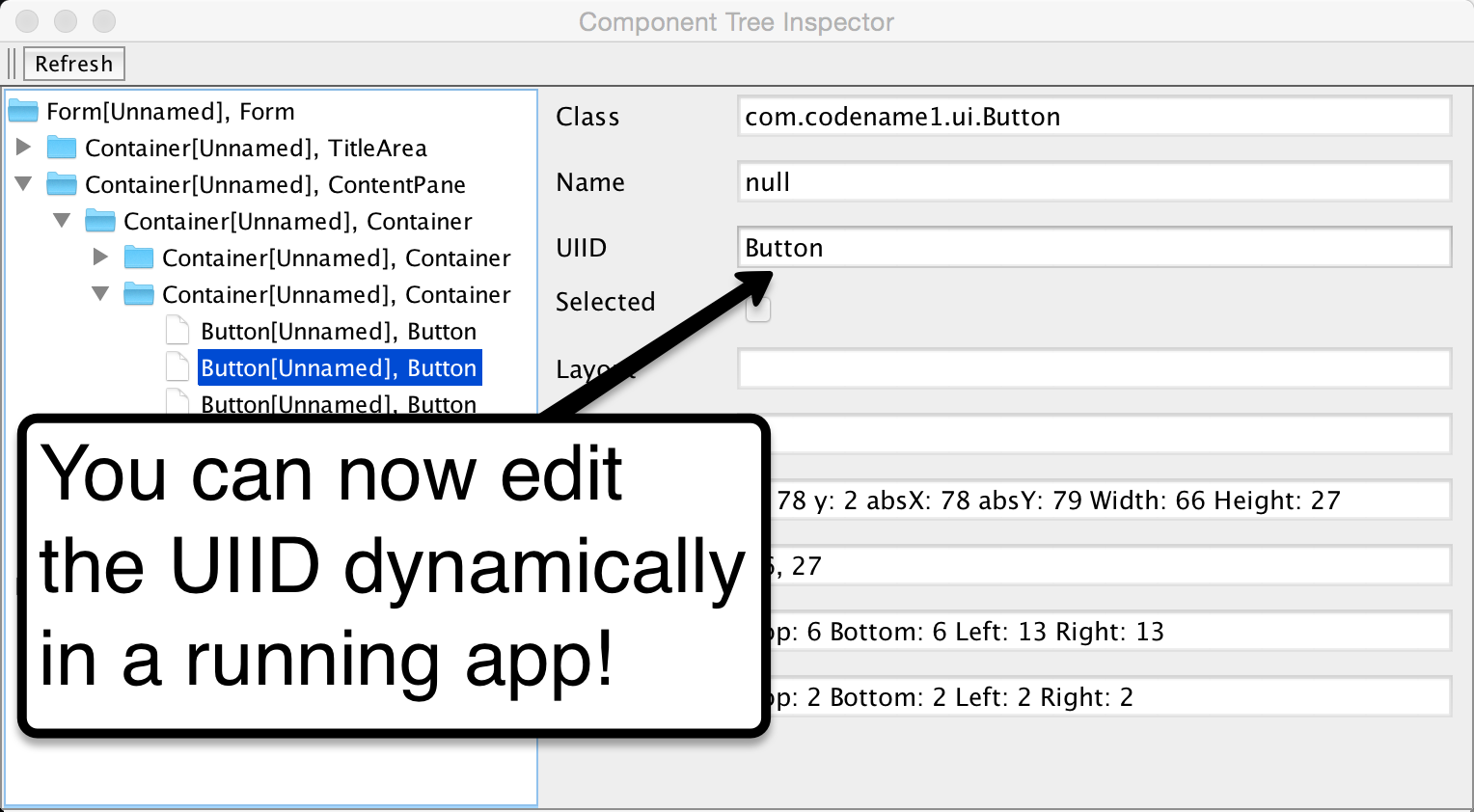
One of the hard things to debug in Codename One is UIID/Padding/Margin placement which is often tricky to get “just right”. I use the Component Inspector quite a lot to review a layout that misbehaves and gain further insight into what’s happening in runtime. __ | You can gain insight into the Codename One component hierarchy by running the simulator and selecting the Simulate → Component Inspector menu option. This will present the component hierarchy as a navigatable tree Up until now the Component Inspector was a “read only” tool, with the coming update it will gain the ability to edit the UIID field! ...

Why we Don't Import Android Native Code?
When we first started to present Codename One to investors a very prominent local investor said he’d commit to a round of funding if we allow Android developers to import native Android apps to Codename One. We passed on that which in retrospect might have been a mistake but the technical challenges were the main reason for that decision. Should we Support Android Native Code? Ignoring the technical issues involved this might seem like a “no brainer” for Android developers. But history teaches us otherwise… ...

Questions Of The Week I
I’d like to start a new weekly installment for the blog: “questions of the week”. I hope to have this as a regular Friday post to coincide with the Friday release process. The general idea of this post is to bring to your attention our answers to some stack overflow questions that might be helpful for the general community. We spend a lot of time answering stackoverflow questions and some of them are pretty elaborate, e.g “How Does Codename One Work?” is my highest rated answer and might be illuminating to many developers who are new to Codename One. ...
New Getting Started Video
We just published a new introduction to Codename One video, that we hope will set the bar for future videos from us (or at lease set the bar for the more important videos). This initial one is focused on NetBeans but we intend to publish similar videos for IntelliJ/Eclipse shortly. You can check out this video in the How Do I section right here. for your convenience we also embedded the video below but the transcript is only within the video page ...

Default & Static Methods In Interfaces
In our original Java 8 support announcement post we specifically mentioned the lack of streams but completely missed the fact that default/static native interfaces didn’t work. This is now fixed thanks to an alert community member who pointed that out. It seems that these features are turned off by default for retrolambda due to limitations that require a clean build to get them to work. This is no limitation for the Codename One build server architecture so these features should work just fine for Codename One apps. ...

Windows, IDEA, Enum Values & ContactsManager Refresh
Steve committed the upcoming Windows port to out github repository it’s still work in progress so you can’t physically target it as part of the build system although we hope to move this port out relatively quickly. This should be more doable thanks to the iKVM route & the work from Fabricio both of which saved a lot of the effort in this port. You can take a look at this port if you are Windows inclined and let us know what you think. ...
A New Idea
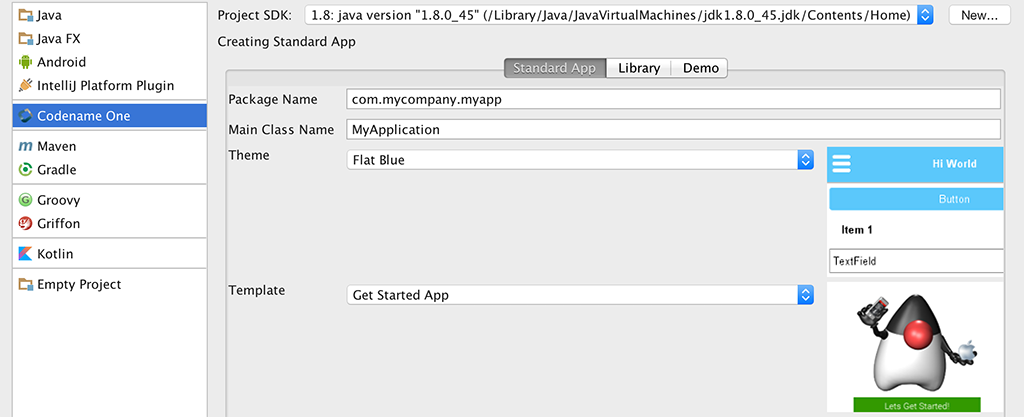
Our current IntelliJ/IDEA plugin is seriously behind the times. In our recent survey it was very easy to spot IDEA developers who were significantly less satisfied with Codename One than the rest of the developer community. The IDEA plugin doesn’t include basic capabilities such as: Java 8 Support The New GUI builder New Default application look/themes/icon Builtin demo apps The Generate Native Access functionality The certificate wizard and a lot of the UI within the preferences ...
New Windows Port
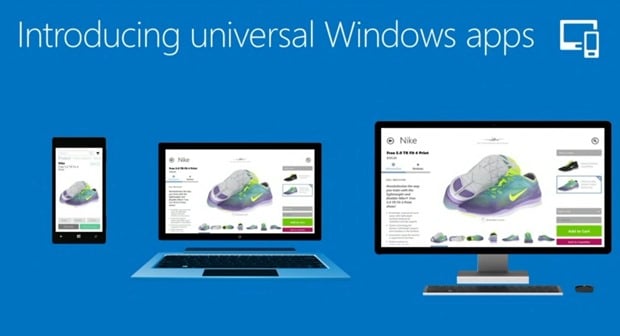
Our existing Windows Phone port has already gone thru 3 rewrites and a community rewrite and we are hard at work on the 4th rewrite (or 5th counting the community port). However, we decided to take a radically different direction with the new port and with backwards compatibility to allow better scale. So lets start with the “bad news” and follow by an explanation of why and how we plan to do that. ...

Around
Chen just released a new cn1lib for circular progress indicators of various types. This is an often requested feature and there were many ways to implement this in the past but it is now far easier to do this with shape clipping. You can use the circular progress API using code such as: Form hi = new Form("Circle Progress"); hi.setLayout(new BoxLayout(BoxLayout.Y_AXIS)); final CircleProgress p = new CircleProgress(); p.setProgress(100); p.setClockwise(true); p.setStartAngle(CircleProgress.START_9_OCLOCK); hi.add(p); final ArcProgress p2 = new ArcProgress(); p2.setProgress(70); hi.add(p2); final CircleFilledProgress p3 = new CircleFilledProgress(); p3.setProgress(70); hi.add(p3); Slider slider = new Slider(); slider.setEditable(true); slider.addDataChangedListener(new DataChangedListener() { @Override public void dataChanged(int type, int index) { p.setProgress(index); p2.setProgress(index); p3.setProgress(index); } }); hi.add(slider); hi.show(); Which results in this: ...
Shape Clipping & Bubble Transition
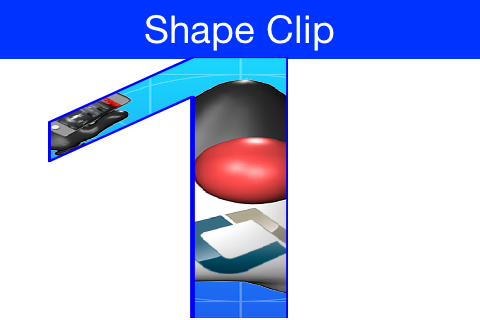
Clipping is one of the core tenants of graphics programming, you define the boundaries for drawing and when you exceed said boundaries things aren’t drawn. Shape clipping allows us to clip based on any arbitrary Shape and not just a rectangle, this allows some unique effects generated in runtime. E.g. this code allows us to draw the image on the top of this post: Image duke = null; try { // duke.png is just the default Codename One icon copied into place duke = Image.createImage("/duke.png"); } catch(IOException err) { Log.e(err); } final Image finalDuke = duke; Form hi = new Form("Shape Clip"); // We create a 50 x 100 shape, this is arbitrary since we can scale it easily GeneralPath path = new GeneralPath(); path.moveTo(20,0); path.lineTo(30, 0); path.lineTo(30, 100); path.lineTo(20, 100); path.lineTo(20, 15); path.lineTo(5, 40); path.lineTo(5, 25); path.lineTo(20,0); Stroke stroke = new Stroke(0.5f, Stroke.CAP_ROUND, Stroke.JOIN_ROUND, 4); hi.getContentPane().getUnselectedStyle().setBgPainter((Graphics g, Rectangle rect) -> { g.setColor(0xff); float widthRatio = ((float)rect.getWidth()) / 50f; float heightRatio = ((float)rect.getHeight()) / 100f; g.scale(widthRatio, heightRatio); g.translate((int)(((float)rect.getX()) / widthRatio), (int)(((float)rect.getY()) / heightRatio)); g.setClip(path); g.setAntiAliased(true); g.drawImage(finalDuke, 0, 0, 50, 100); g.setClip(path.getBounds()); g.drawShape(path, stroke); g.translate(-(int)(((float)rect.getX()) / widthRatio), -(int)(((float)rect.getY()) / heightRatio)); g.resetAffine(); }); hi.show(); __ The original publication of this code was missing the second translate call which might have some on-device issues __ | Notice that this functionality isn’t available on all platforms so you normally need to test if shaped clipping is ...

Weekly Release, Developer Guide & JavaScript Promotion End
We just made our first weekly release today, in the coming weeks when you send a build or update the client libraries you should get a new version every Friday. We hope this will help us provide better consistency between the docs/device builds and the simulator. We finally completed the overhaul of the developer guide which now clocks at 732 pages. This doesn’t mean the guide is perfect or covers everything there is but rather that we covered the bigger pieces and reviewed the whole document for accuracy and relevance. There are still big pieces we’d like to add e.g. a section about the common cn1libs is something that I would personally like to see. ...
PSD to App Revisited
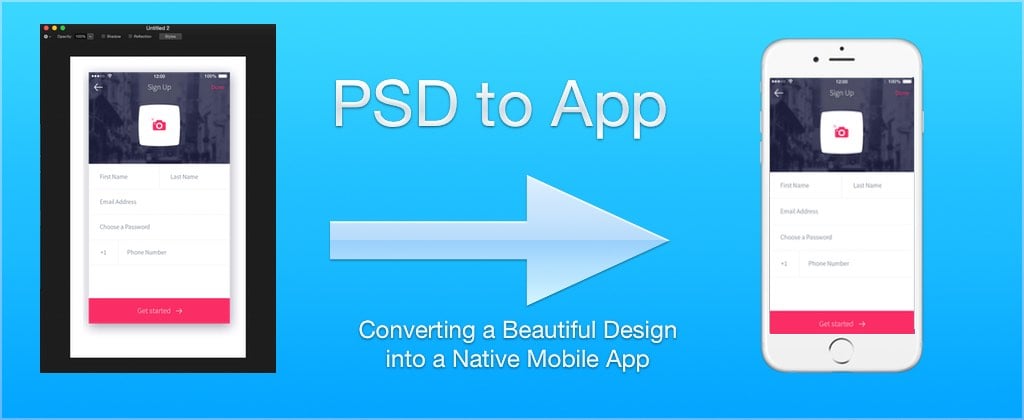
One of our most important posts from 2015 was Steves PSD to App: Converting a Beautiful Design into a Native Mobile App. This post included a very thorough step by step video guide walking thru the creation of a non-trivial UI design and ended with the introduction of Steve’s CSS plugin for Codename One. As we are close to wrapping up the developer guide update it occurred to us that this remarkably important tutorial isn’t within the developer guide! ...