Latest posts from Codename One.
Blog
Insights, release updates, tutorials, and engineering notes from the Codename One team.
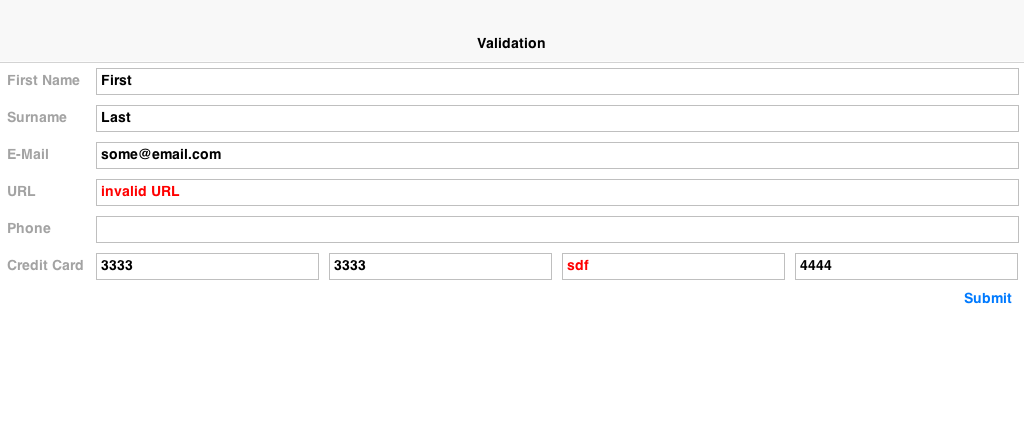
Validation, RegEx & Masking
Up until recently we had to handcode validation logic into every form, this becomes tedious as we work thru larger applications. Some developers built their own generic logic, which leads to obvious duplication of effort. In the interest of keeping everything together we decided to release a standardized validation framework that allows us to define constraints on a set of components, mark invalid entries and disable submission buttons. ...
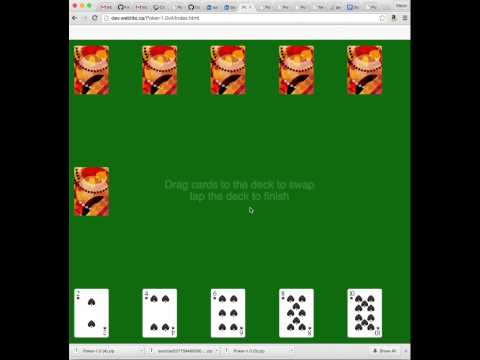
GC Crashes & Bugs
As part of tracking a bug in iOS media playback Steve hit upon some code that recreated the OpenGL framebuffer pretty much all the time. This was there to allow device rotation to work, but was implemented incorrectly… After this fix animations and UI is much smoother on iOS, if you notice any potential issues let us know. In other news we just fixed two big GC issues in the new VM. The first was a rather complex edge case with GC firing up during native code where more than one allocation was made during the second (or later) allocations (yes edge case). Since objects allocated in native code still don’t have hard Java references the GC can’t “see” those references and thus wiped them. The solution was pretty simple, we now toggle a flag that essentially blocks GC from happening while we are in such a native method… ...

Github Migration Completed
Its been a long weekend, but now that its finally over the long and tedious migration to github is almost completely behind us. Make sure to update your URLs to the new repository at https://github.com/codenameone/CodenameOne/. There are still some references to the old google code repository in the plugins etc. so you should update them when we release the next update. Furthermore, if you used our custom update centers make sure your update center doesn’t reference a googlecode URL! ...

Github Migration Plan
As you may know Google is ending support for Google code effectively forcing us to migrate to github. While we like a lot of things about github their 1gb per workspace restriction makes the migration process rather difficult since we have to manually delete some histories for binary files we committed into SVN. Making matters worse, Google’s so called “automated tools” are ridiculously simplistic and don’t support anything like this or migration of more than 1000 issues! ...
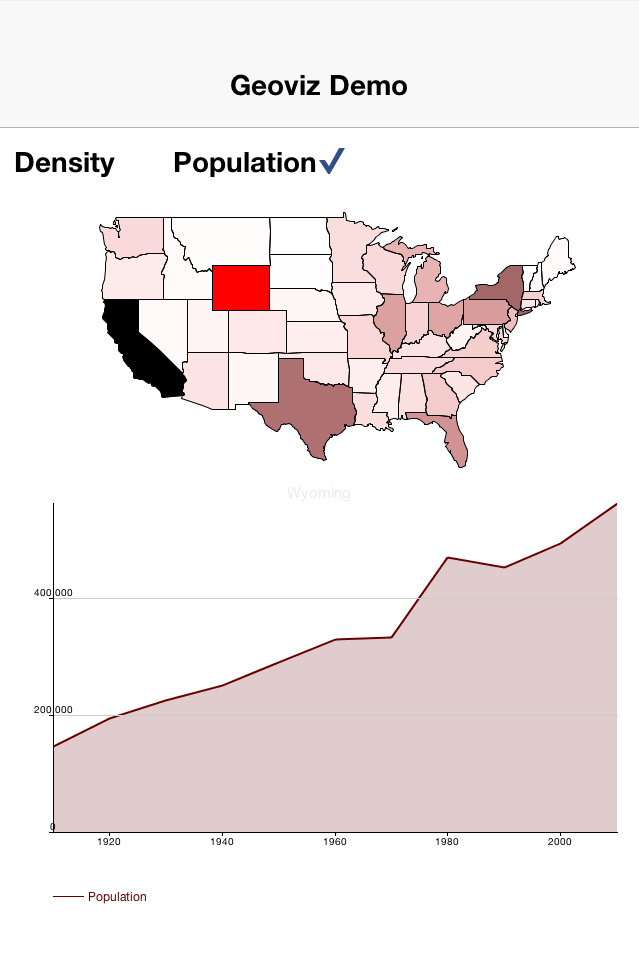
Geo-Viz and Codename One
Table of Contents What does the GeoViz Library do? What is GeoJSON? GeoVizComponent vs MapComponent vs Native Maps Key Features Basic Usage Step One: Load the GeoJSON file Step Two: Create the GeoVizComponent Implementing a Custom Painter I attended a tutorial at OSCON last year on HTML5 graphics where I was introduced to some cool data-visualization technologies. One thing that left an impression was the in GeoJSON format, which we used to generate some maps inside the browser using the D3 library and SVG. This was around the time that I was working on the new Codename One graphics pipeline, so at each step of the tutorial my inner commentator was whispering “we could do this in Codename One without too much difficulty”. ...
Gallery, Icons & Updates
Now that the new website is live we are down to standard business again beyond just the typical bug fixes. Chen just updated the gallery support to include the ability to pick a video file and not just an image file. The default functionality remains the same and compatible but now you can do something like: Display.getInstance().openGallery(new ActionListener() { public void actionPerformed(ActionEvent ev) { if(ev != null && ev.getSource() != null) { String filePathToGalleryImageOrVideo = (String)ev.getSource(); .... } } }, Display.GALLERY_ALL); You can now use GALLERY_ALL, GALLERY_VIDEO or GALLERY_IMAGE to pick either one or both when showing the gallery UI. ...
New Website Now Live!
The new Codename One website is finally live now and you can check it out in all its glory at codenameone.com. There are several things you need to know in order to make the transition smooth. First is that the new website supports https thruout so you can just navigate to https://www.codenameone.com/ to get a secure site. This is forced implicitly when you go to the build server. In the old site we used an iframe on top of https for the build server, while this was secure it didn’t convey the trust level that should be conveyed. ...
JBake & New Website Coming Soon
This website/blog has gotten really long in the tooth, we would have replaced it ages ago but since the build server is so tightly integrated in the code the effort to migrate was just too big. So recently we finally made the effort and migrated large blocks of code to be far more generic and we are now working hard on moving more than 3 years of content to the new website… ...

Integrating Android 3rd Party Libraries & JNI
While its pretty easy to use native interfaces to write Android native code some things aren’t necessarily as obvious. E.g. if you want to integrate a 3rd party library, specifically one that includes native C JNI code this process is somewhat undocumented. If you need to integrate such a library into your native calls you have the following 3 options: The first option (and the easiest one) is to just place a Jar file in the native/android directory. This will link your binary with the jar file. Just place the jar under the native/android and the build server will pick it up and will add it to the classpath. Notice that Android release apps are obfuscated by default which might cause issues with such libraries if they reference API’s that are unavailable on Android. You can workaround this by adding a build hint to the proguard obfuscation code that blocs the obfuscation of the problematic classes using the build hint: ...

Flurry Interstitial Ads & Analytics
Chen was working with a customer that needed some specific ad network support and decided to open source some of that work. We now have integration with Flurry both for its ads and analytics support both of which are pretty cool and have some distinct advantages over the current Google equivalents. You can download the project here, Chen wrote a very detailed usage tutorial in the wiki page so there is no point in repeating it. ...

Codename One Graphics – Understanding Coordinates
Codename One provides a rich set of drawing primitives in its Graphics class. It allows you to draw text, shapes, and images to the screen. The position where these elements will be rendered is determined based on a combination of Graphics state information (e.g. the current translation, and transform) and coordinates that are passed to the drawing method. Understanding how these coordinates are calculated can be tricky when you first begin using the API. ...
Easy Demos, Flip & More
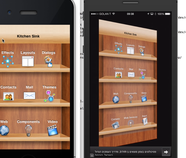
One of the pains in Codename One is the access to the demos, yes we have the downloadable demo bundle and the SVN but for a compete novice to Codename One this isn’t front and center. Chen decided to address that by embedding the latest versions of the demos both into the Eclipse and the NetBeans plugins, now when you create a new Codename One project you can also create a demo project and “just run it”. This allows you to quickly learn/debug our sample code which should help with the Codename One learning curve. ...