Brickyard is a complete user-generated-content game platform. Players browse a home
screen of experiences, play them in 3D with their friends and chat while they race.
Creators build those experiences in a 3D studio inside the same app, on a phone, a
tablet or a desktop, then publish them and earn from them. Admins keep the place safe
from a console. The experiences are Luau scripts in a 3D world of parts, and the
platform is compatible with Luau and Roblox place files: a creator can bring an
.rbxlx or .rbxl export, and it runs.
A game platform tests a cross-platform framework harder than any other kind of app. It needs:
A scripting VM that runs code written by strangers and still can’t freeze the device.
3D rendering and physics at frame rate, on every platform.
An authoritative multiplayer server, so a client can’t cheat its way up a leaderboard.
An economy with store purchases, a subscription and creator payouts.
Social features with child-safety rules, moderation and analytics.
Brickyard does all this in Java, from one codebase, on Codename One’s own APIs: gpu
for the renderer, payment and paywall for the store, analytics.invite for
referrals, gaming.GameServices for presence and achievements, ads for rewarded
currency and the built-in MCP server, so an AI agent can build alongside the creator. The server is a Codename One
Backend.
Everything here is original and written clean room: the interpreter, the engine API, the file readers, the renderer and the templates. Brickyard is its own name and art. Nothing is fetched from Roblox; a place’s assets come from the file or are replaced by placeholders, which the compatibility report lists.
Videos of every part of this tour are on the Brickyard page.
Playing with friends
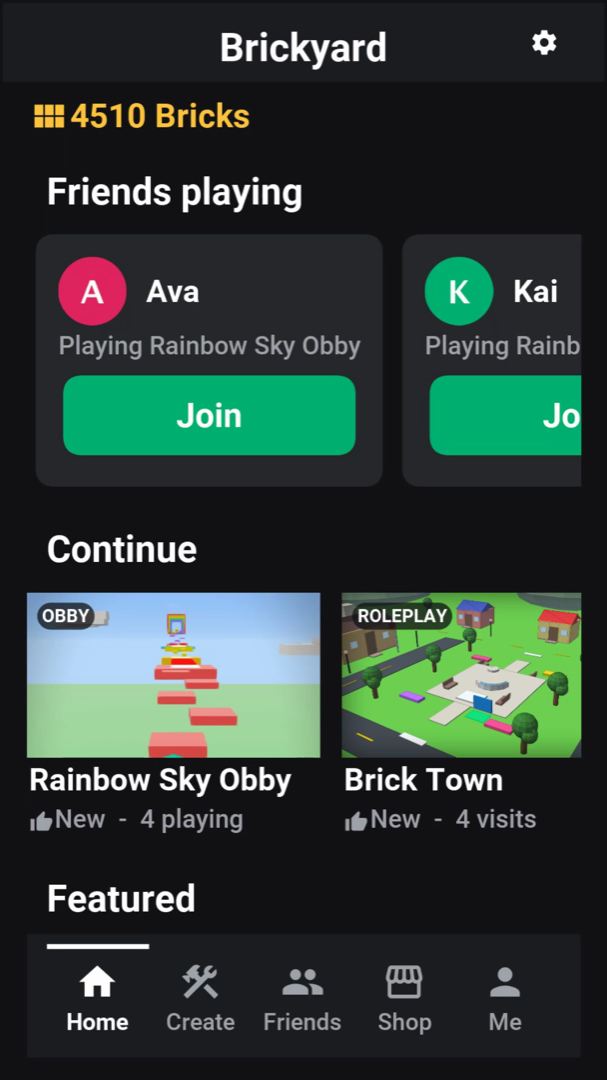
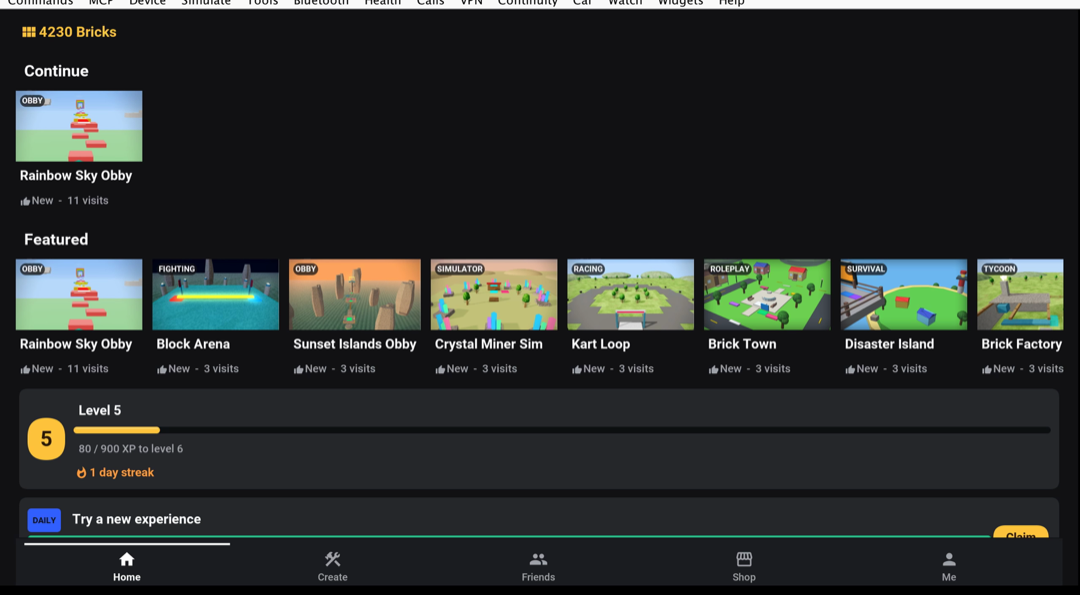
The home screen opens with the friends who are playing right now, each with a Join button, then the experiences to continue and the featured rows. Every card shows a live count of the people playing it.
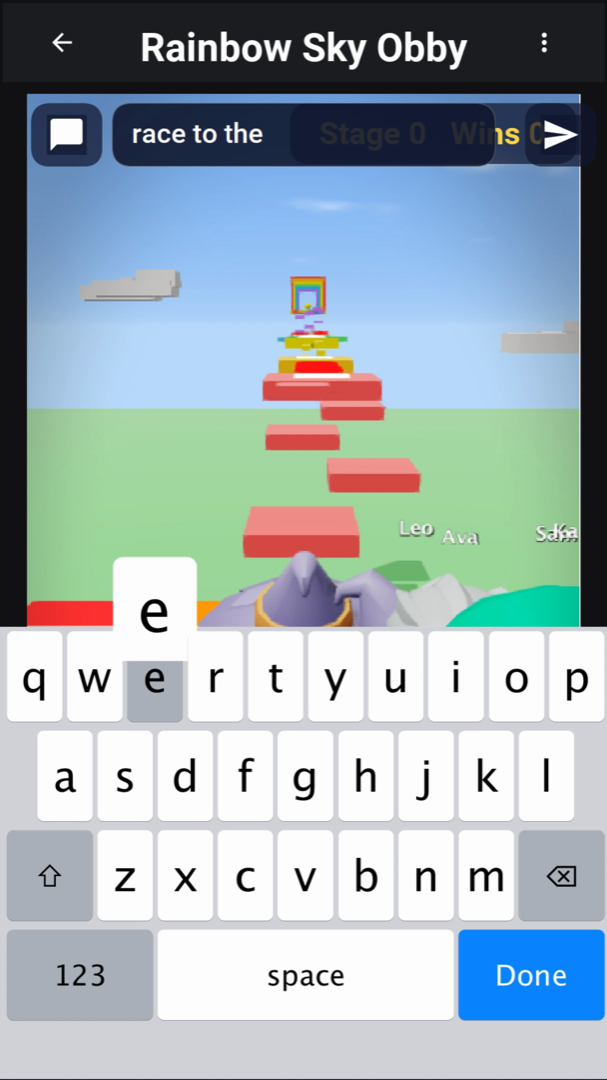
Joining a friend drops the player into the same server. The chat button at the top of the play view opens a text field, and every message shows in the chat log and as a bubble over the sender’s character, so a race can start with a dare.
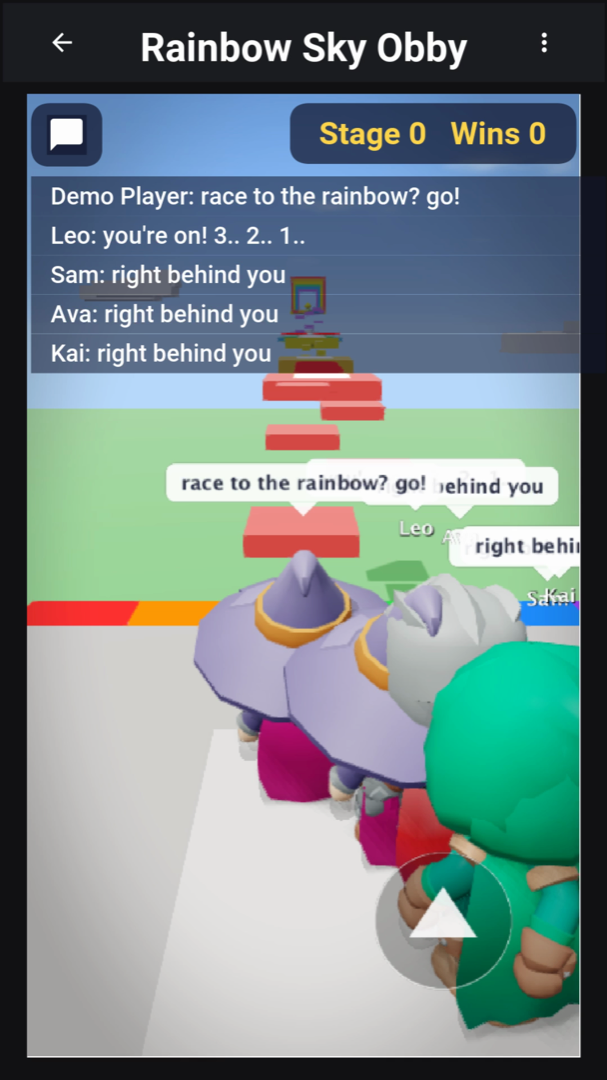
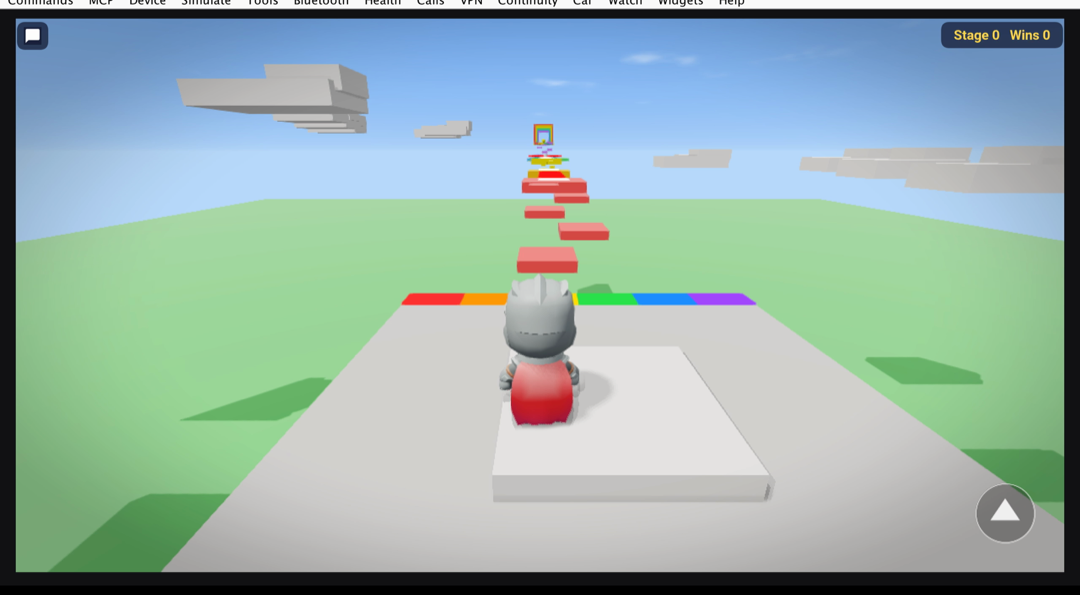
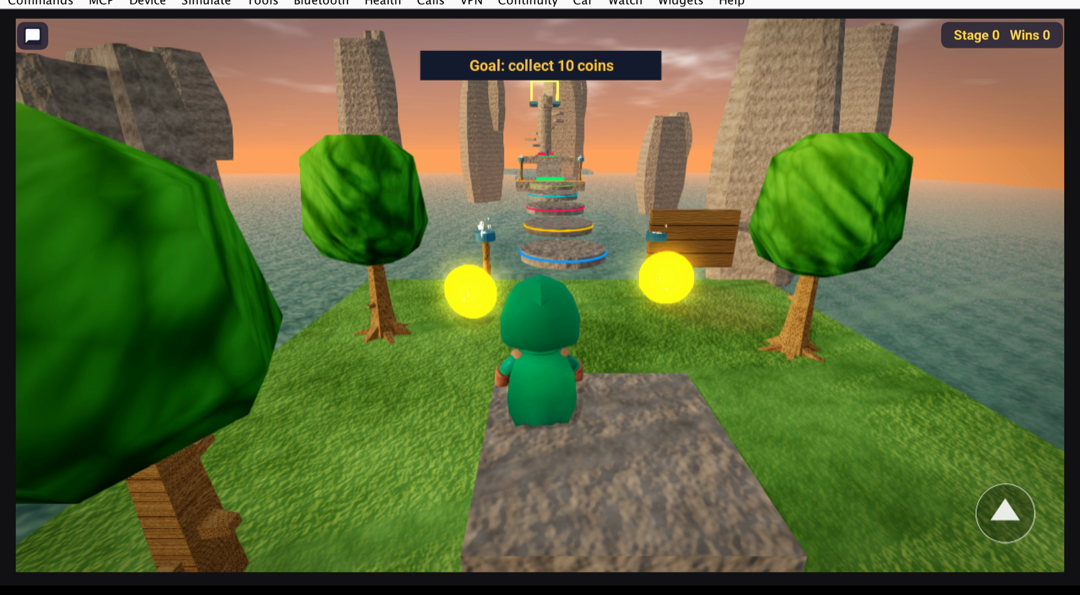
Rainbow Sky Obby is an obstacle course. The leaderstats in the top bar count stages and wins. The server writes them and the leaderboards read them, so no client can award itself a win.
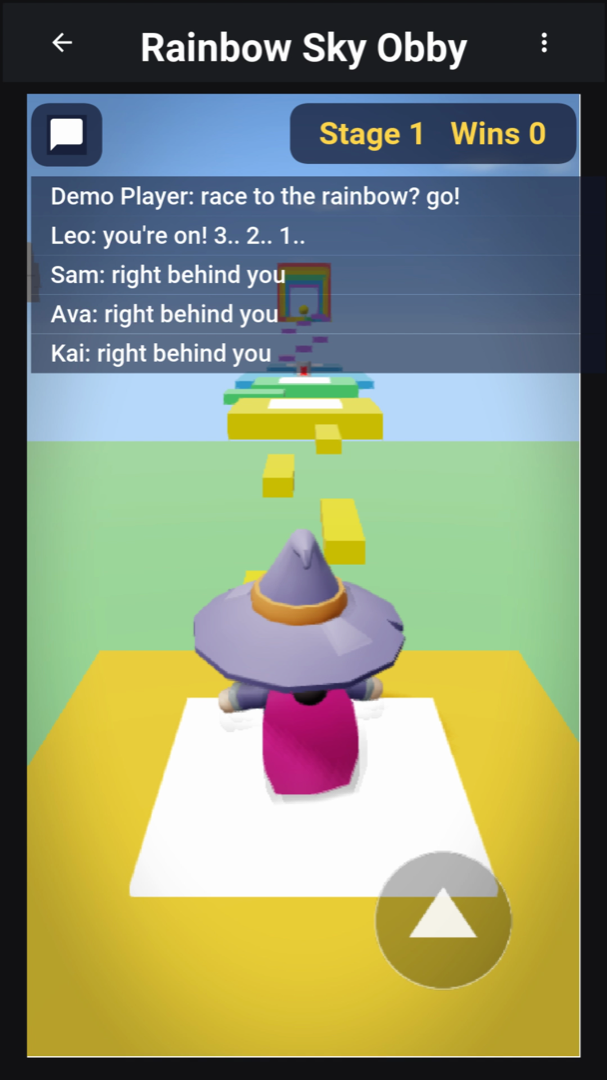
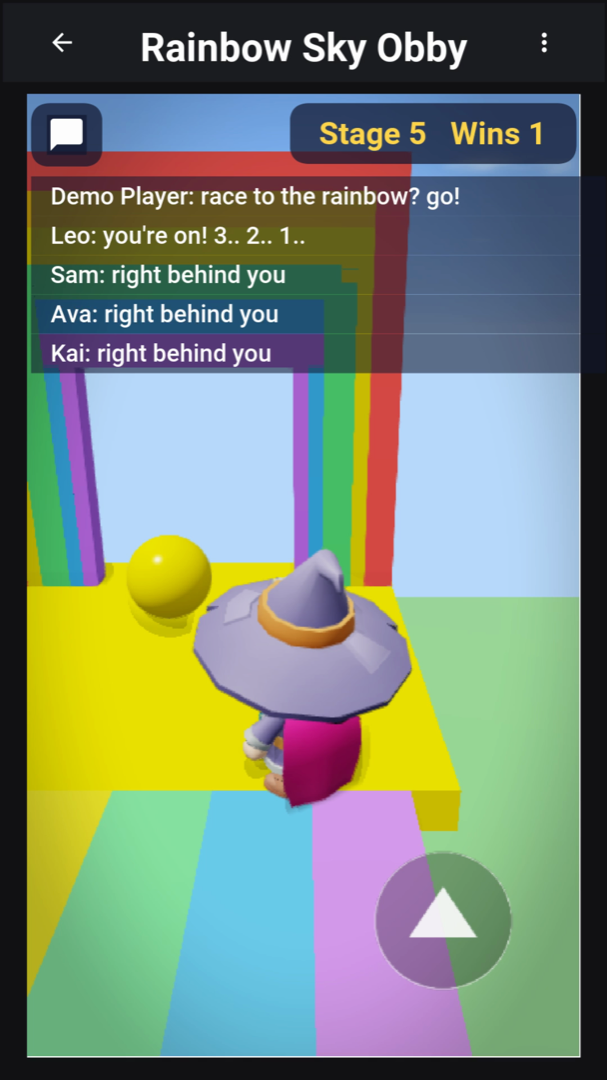
Players move with the touch stick and the jump button on a phone, the keyboard on a desktop, or a gamepad.
Coming back tomorrow
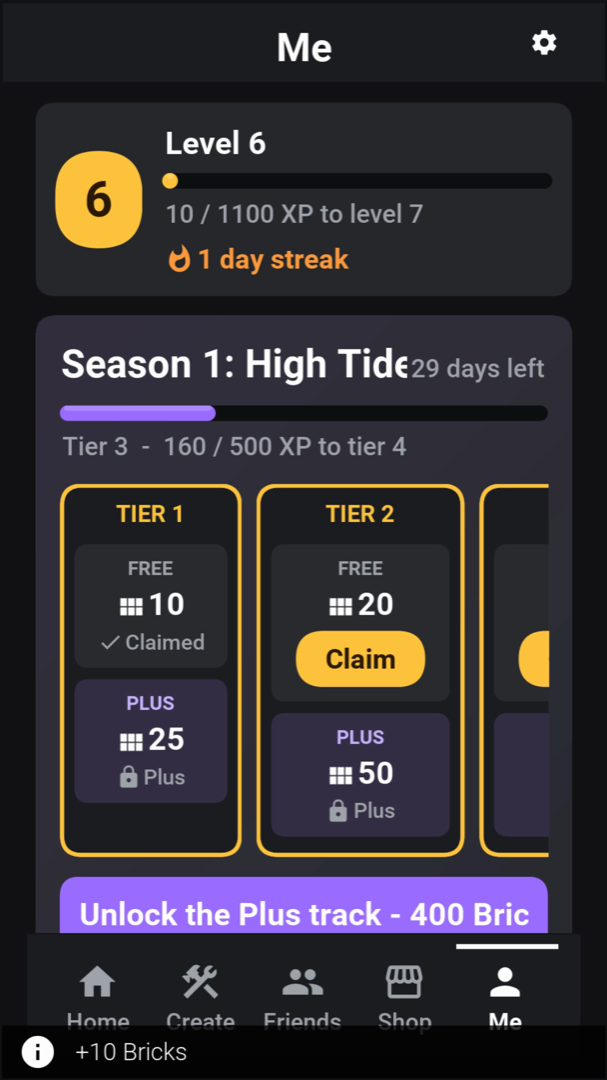
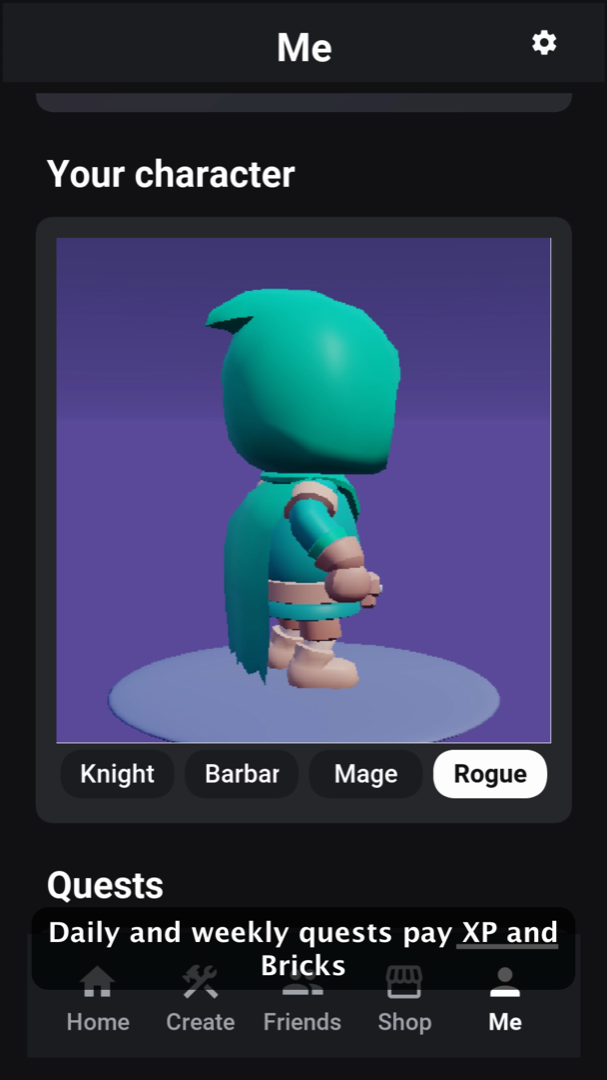
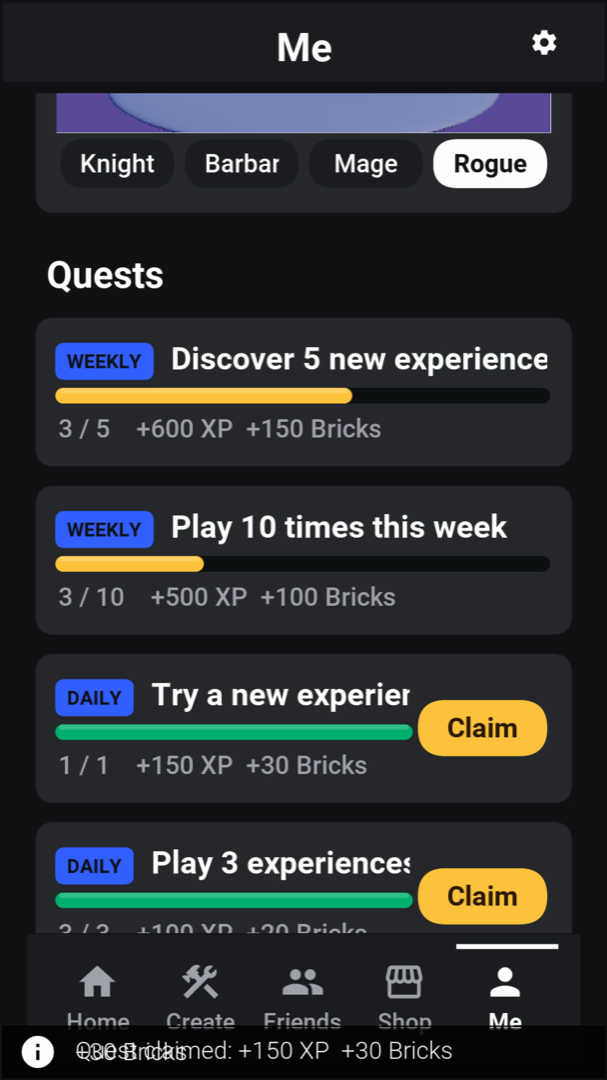
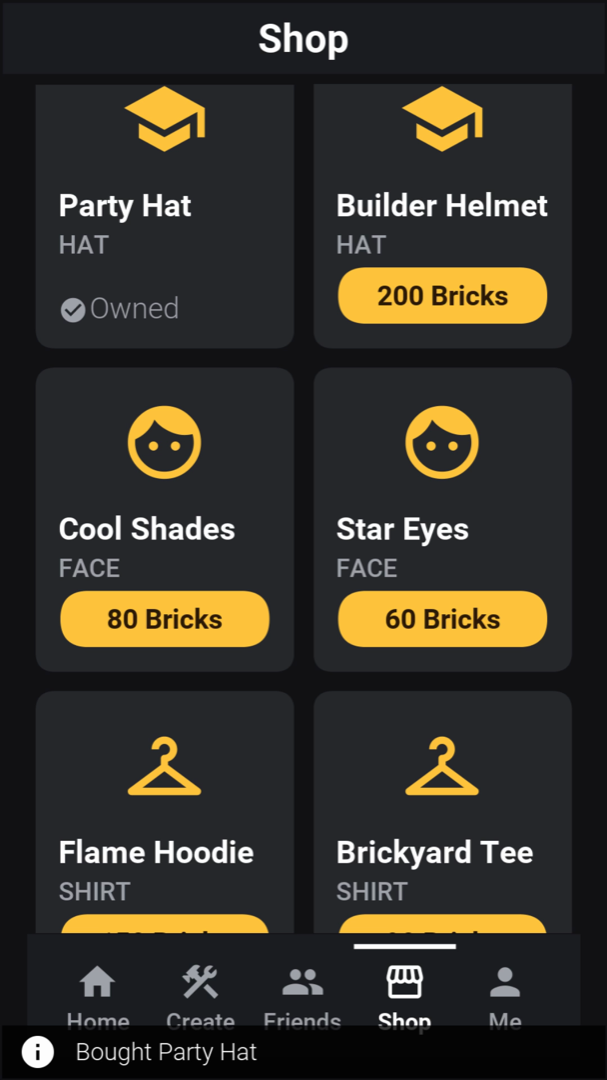
Every play session feeds progression. Players earn XP and level up, keep a daily streak, and climb a season pass with a free track and a Brickyard Plus track. Quests are daily and weekly, and each pays XP and Bricks, the app’s currency. Bricks buy hats, faces and shirts for the player’s block avatar in the shop, and they can be bought as packs or come with the Plus subscription. Friends who accept an invitation earn Bricks on both sides.
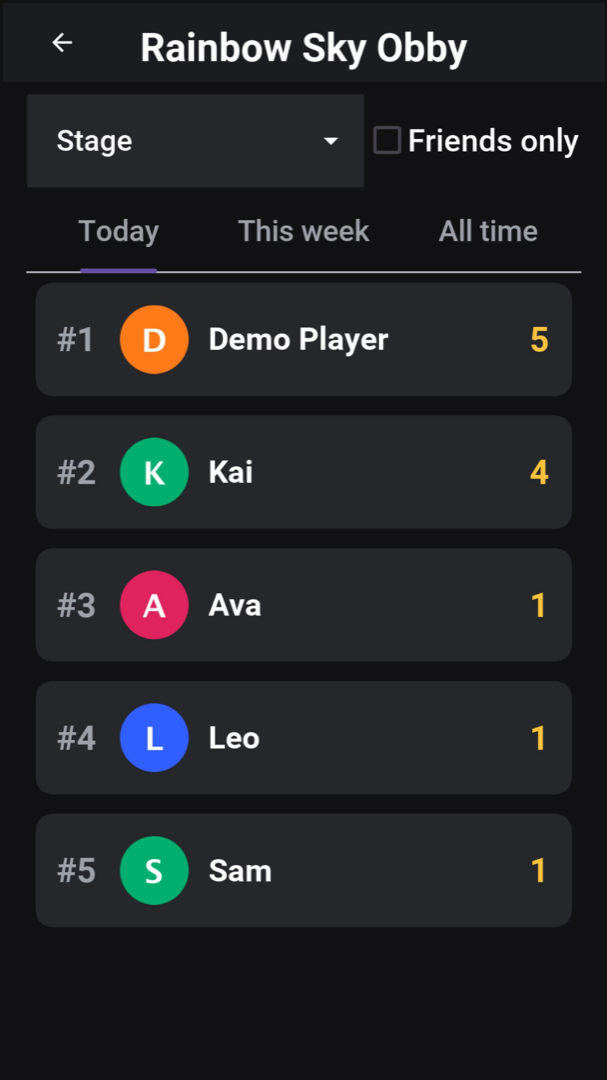
Each experience has leaderboards by stat, for today, this week and all time, with a filter that shows only friends.
Game types
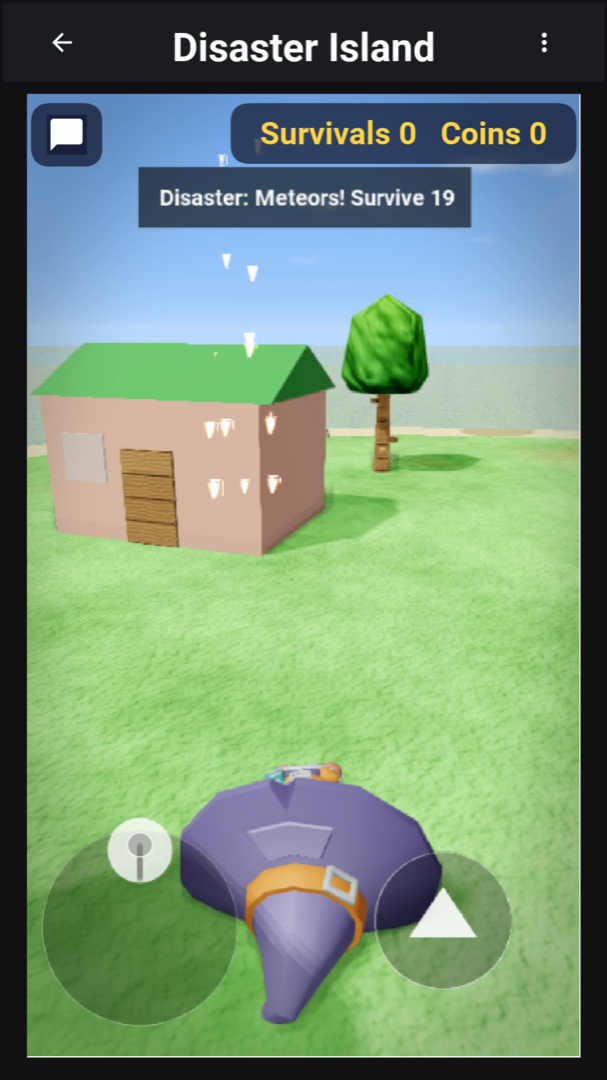
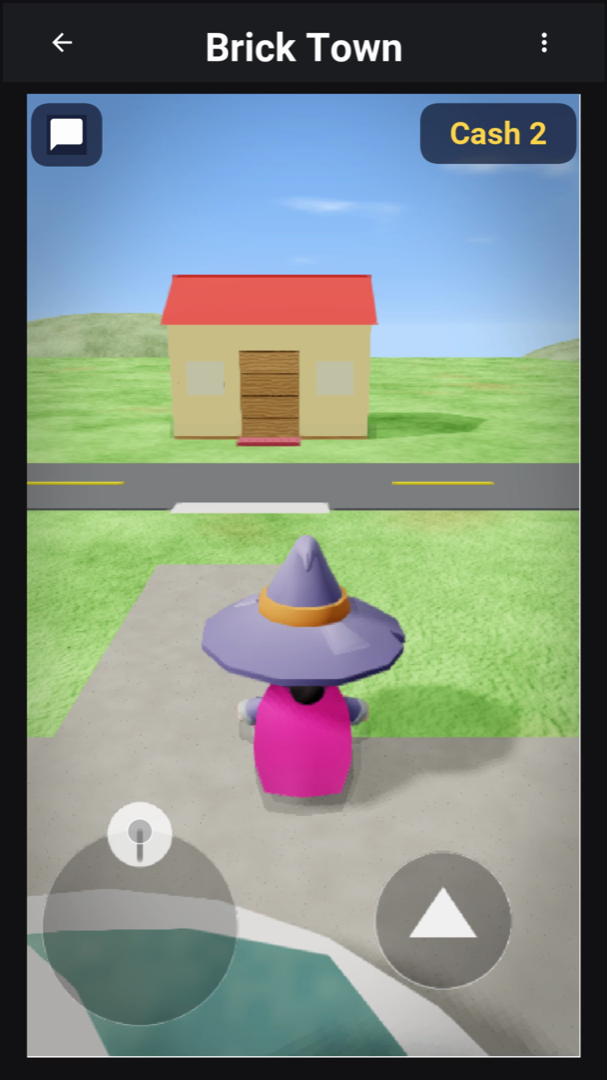
The templates cover the kinds of games such a platform is known for, and the seeded experiences are built from them: two obbies (Rainbow Sky Obby and Sunset Islands Obby), a survival game, a role-play town, a tycoon, a simulator, a racer and a fighting arena. Each one is a place file with Luau scripts, which a creator can open in the studio and change.
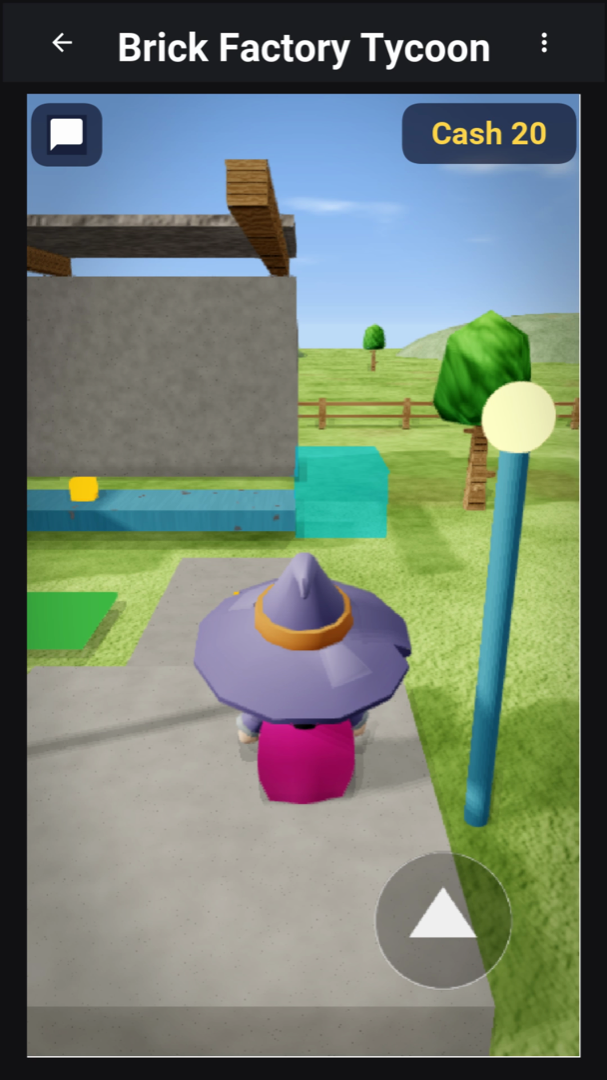
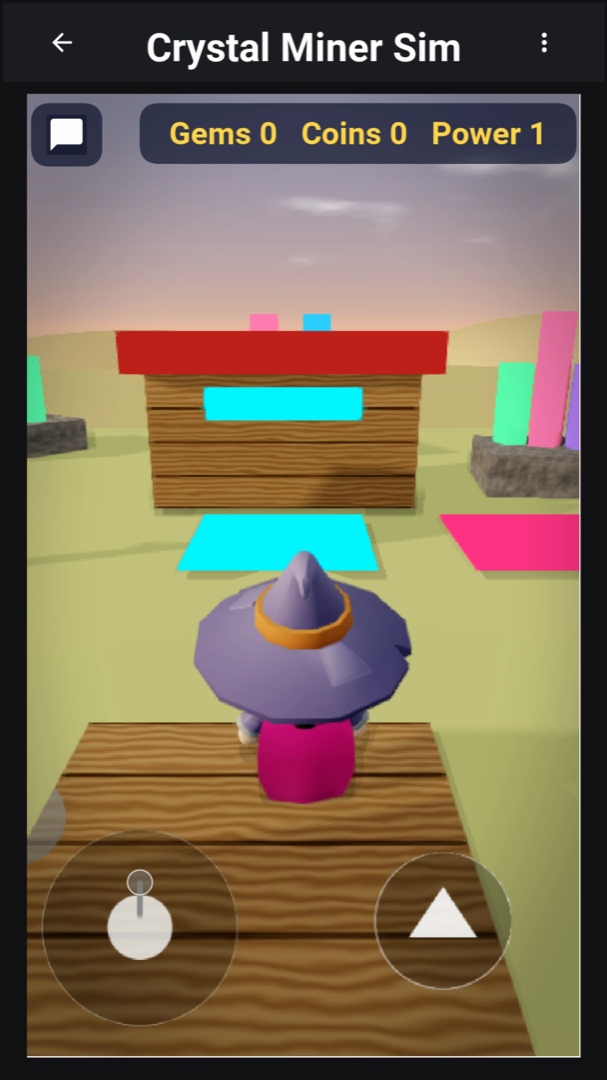
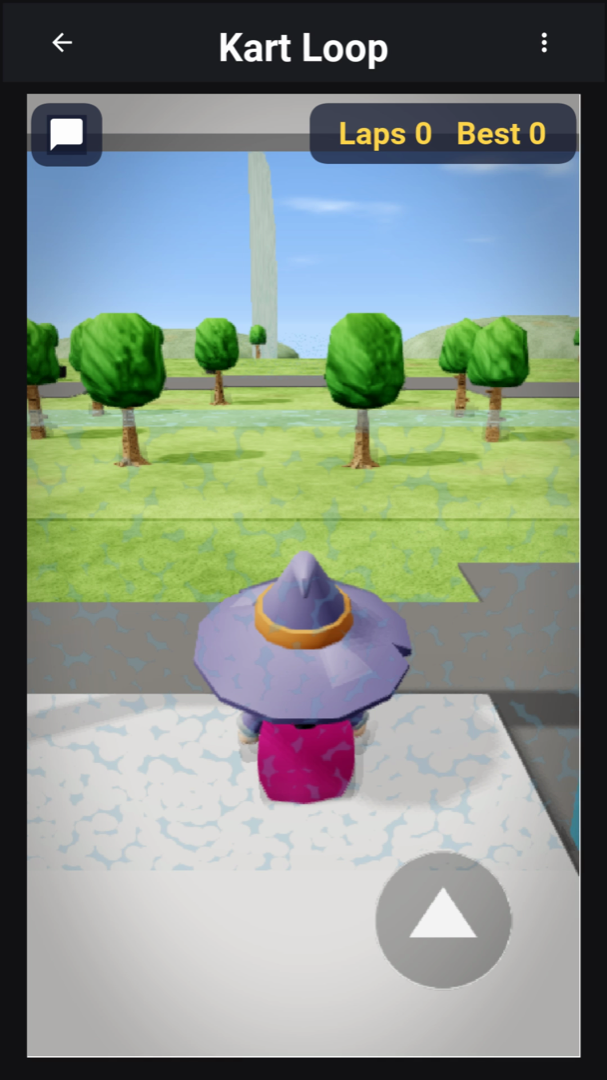
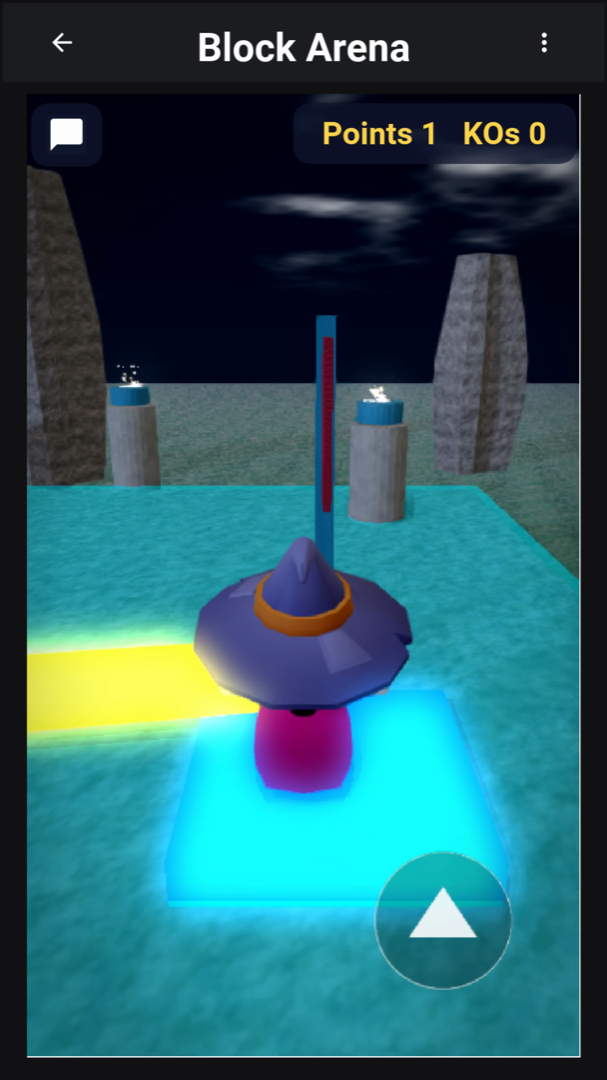
The studio on a phone
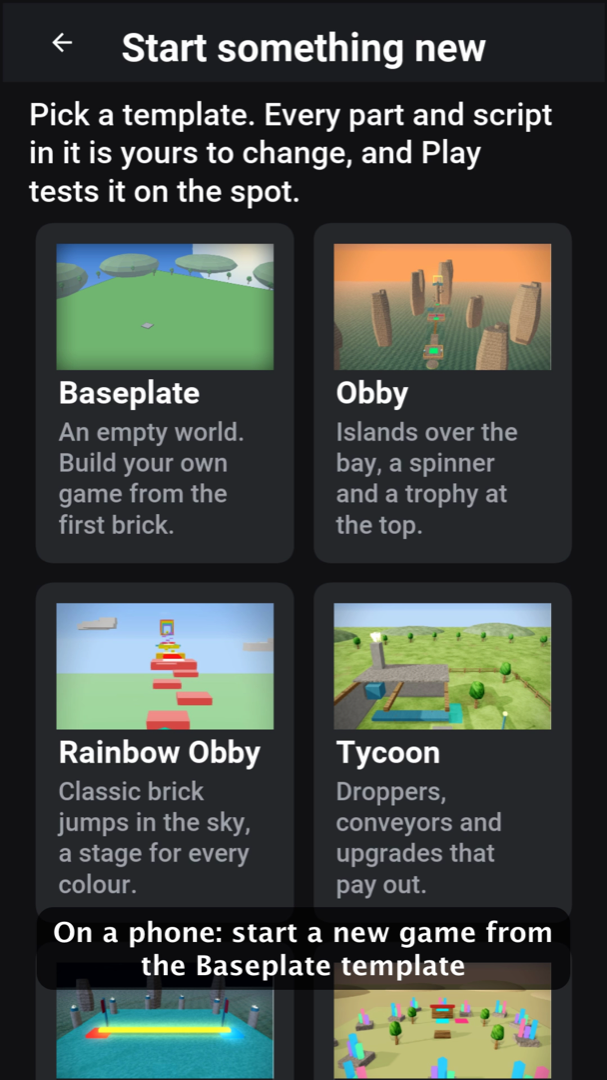
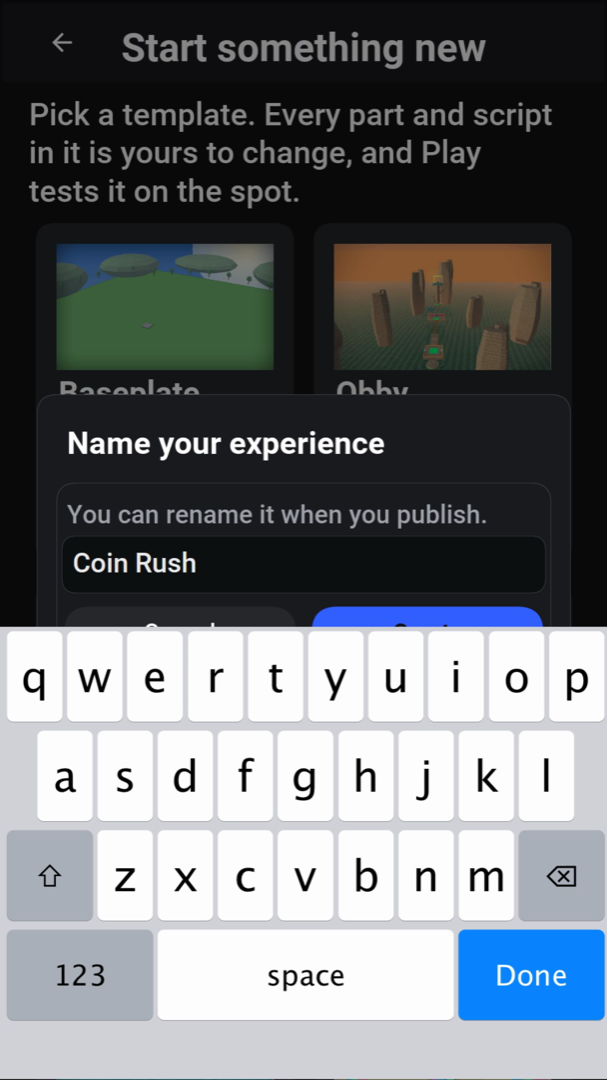
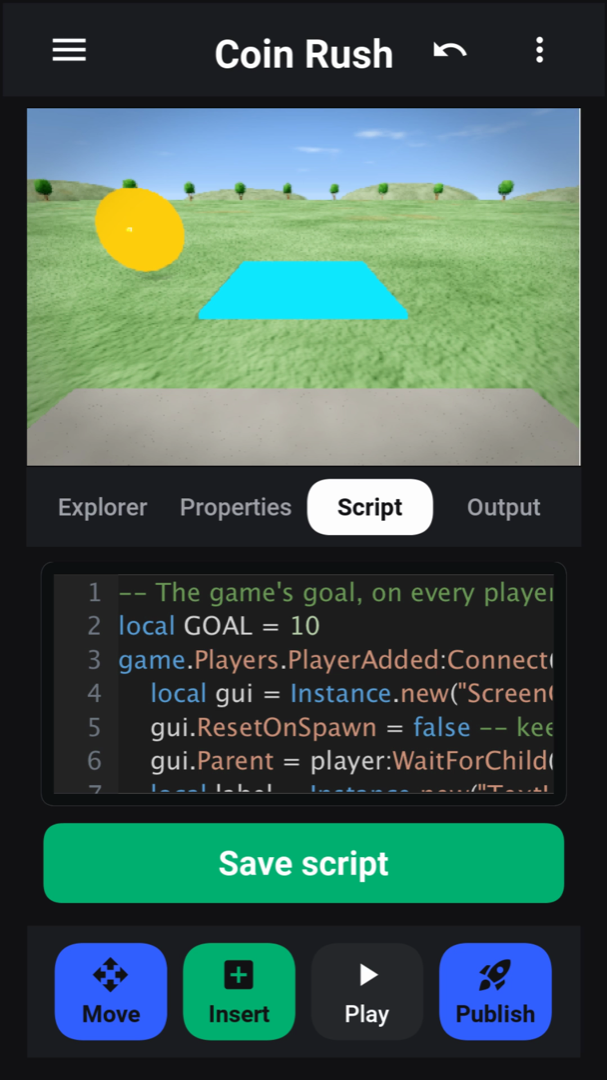
The studio tab, Create, starts a new experience from a template. The studio then shows the viewport over tabs for the explorer, the properties editor, the script editor and the output. Move, Insert, Play and Publish sit along the bottom.
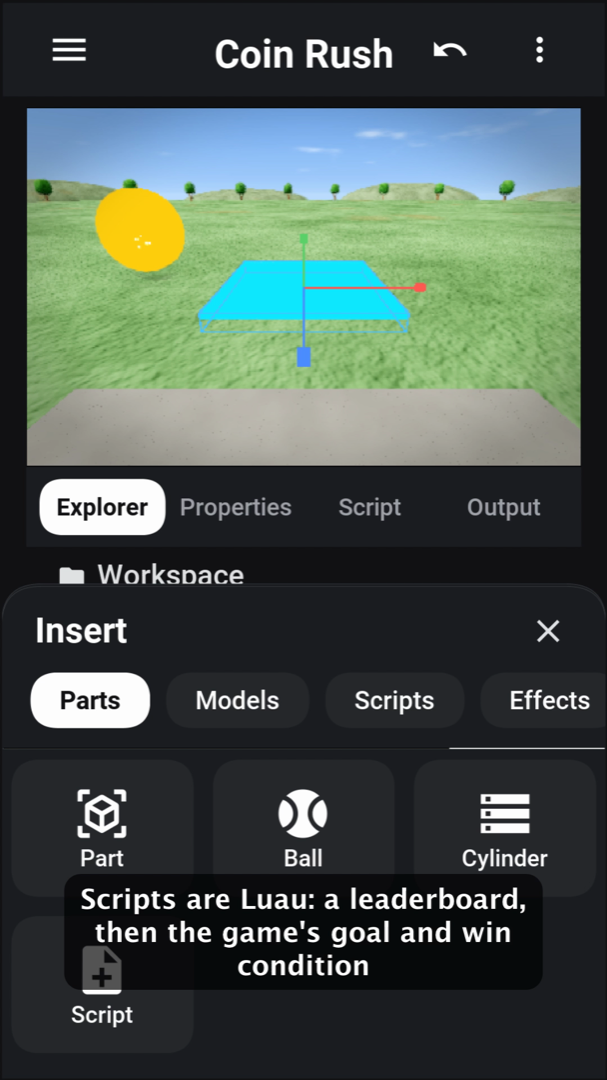
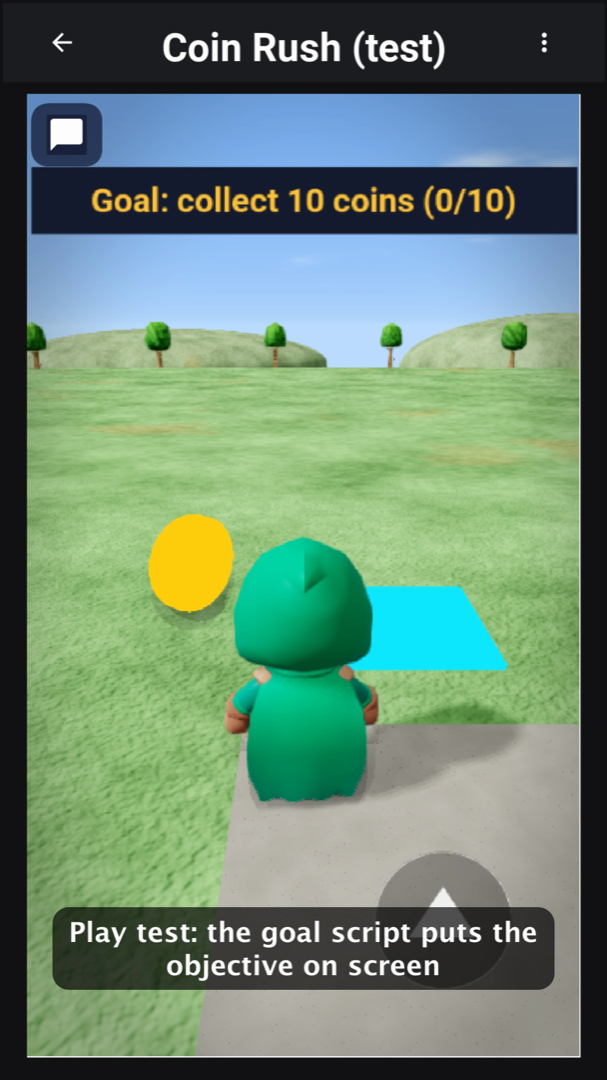
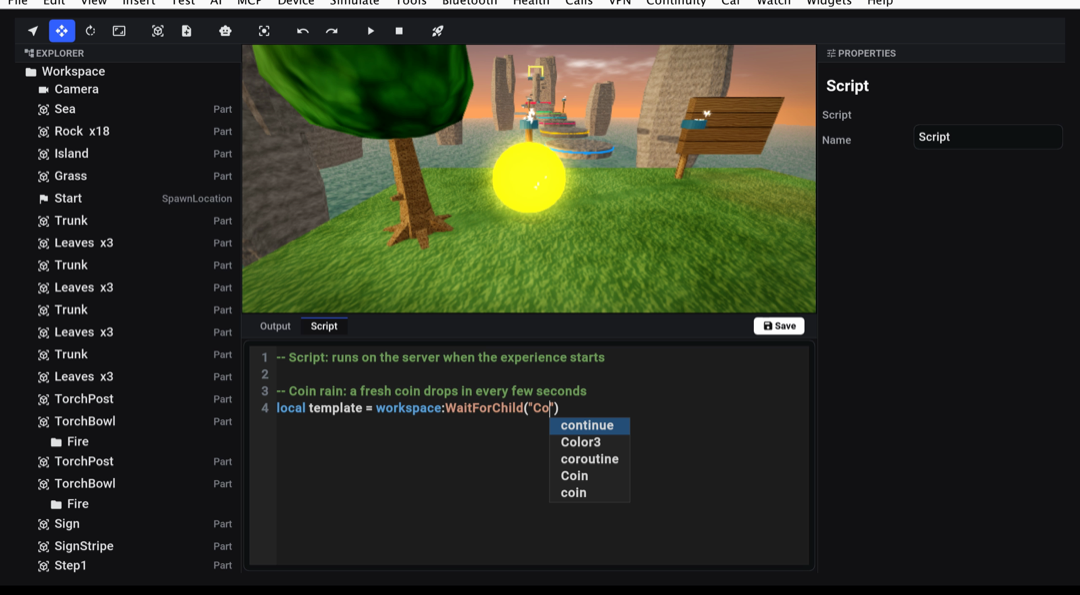
The Insert sheet adds parts, ready-made models, scripts, and effects. A script is Luau, and the editor colors it, checks its syntax and completes names as the creator types. Play runs a test copy of the place right away.
The studio on a tablet
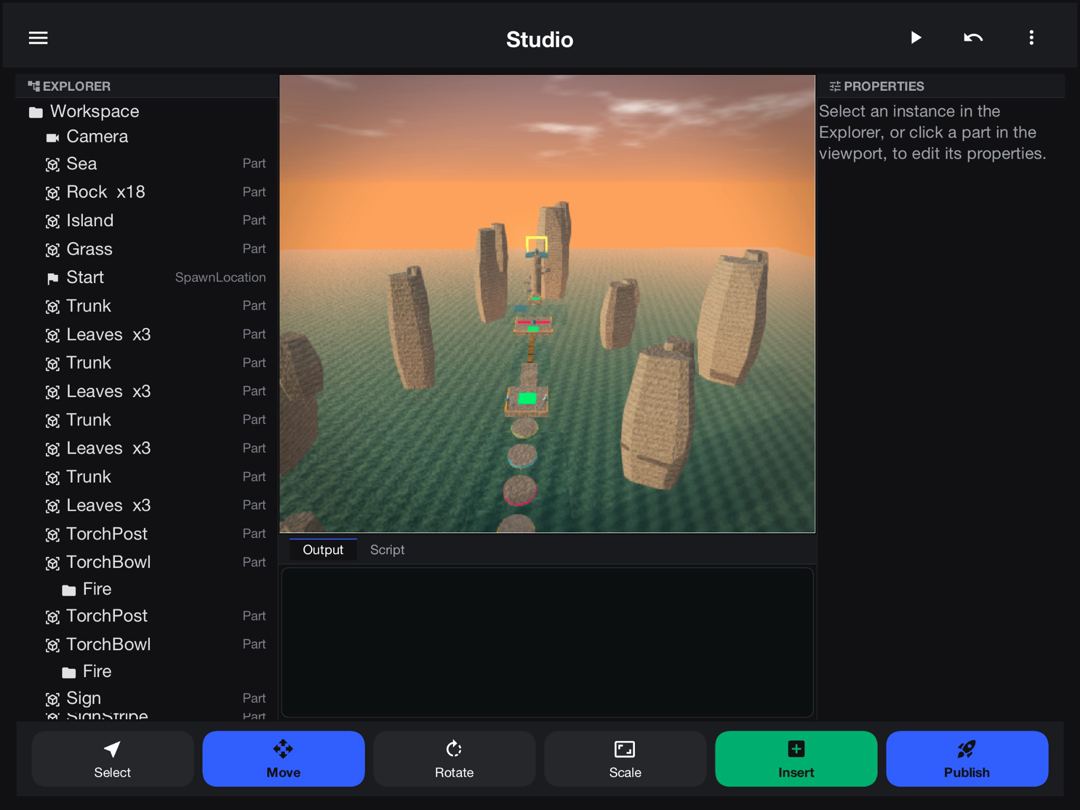
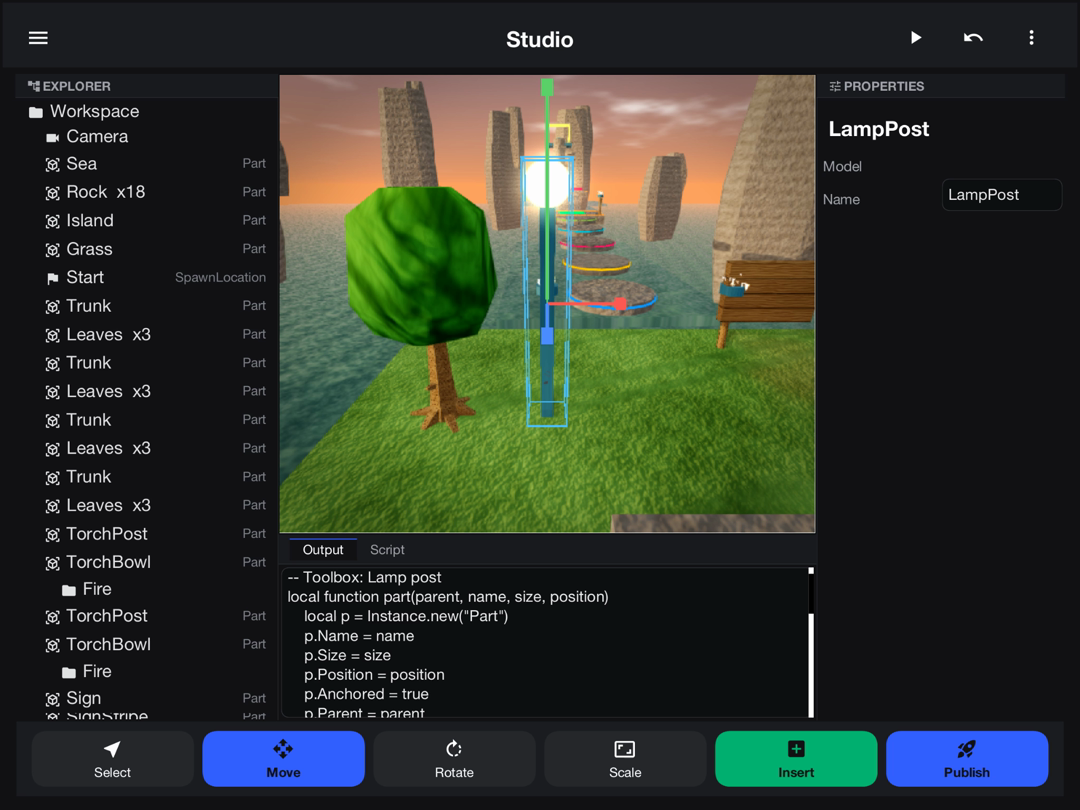
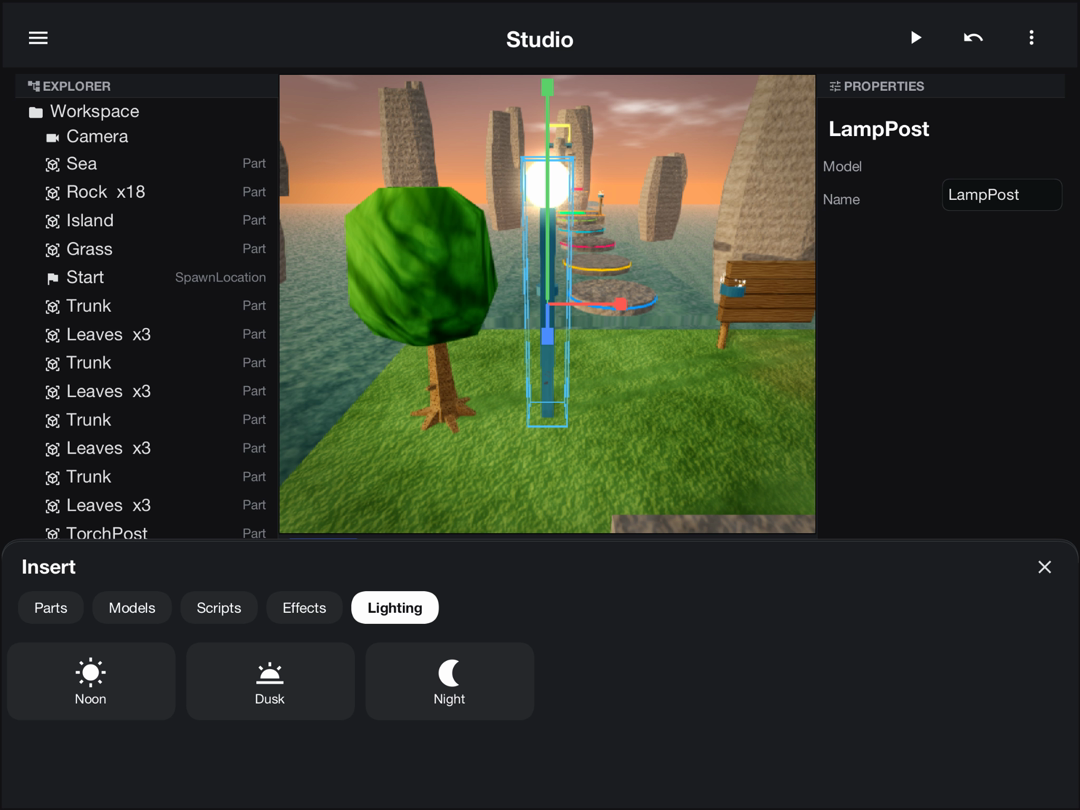
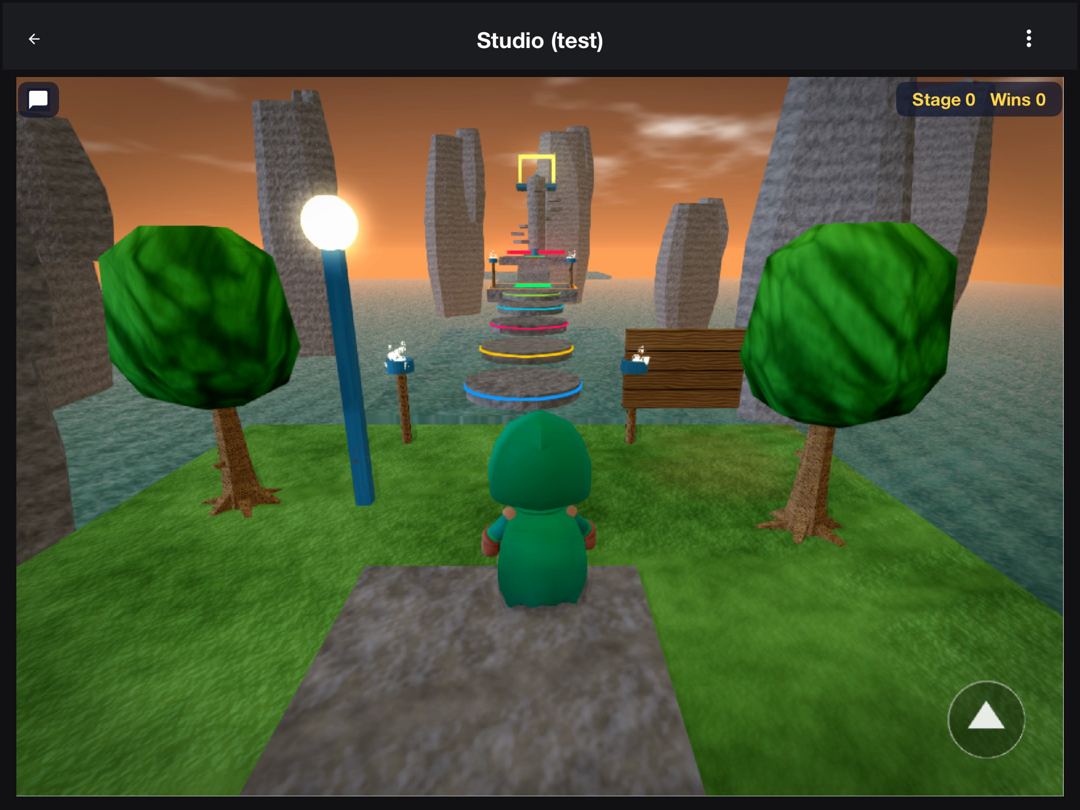
On a tablet the explorer, the viewport and the properties panel share the screen, with the output and script panes below the viewport. The Insert sheet adds ready-made models, such as a lamp post with its own light, and the Lighting tab switches the whole place between noon, dusk, and night.
On a desktop
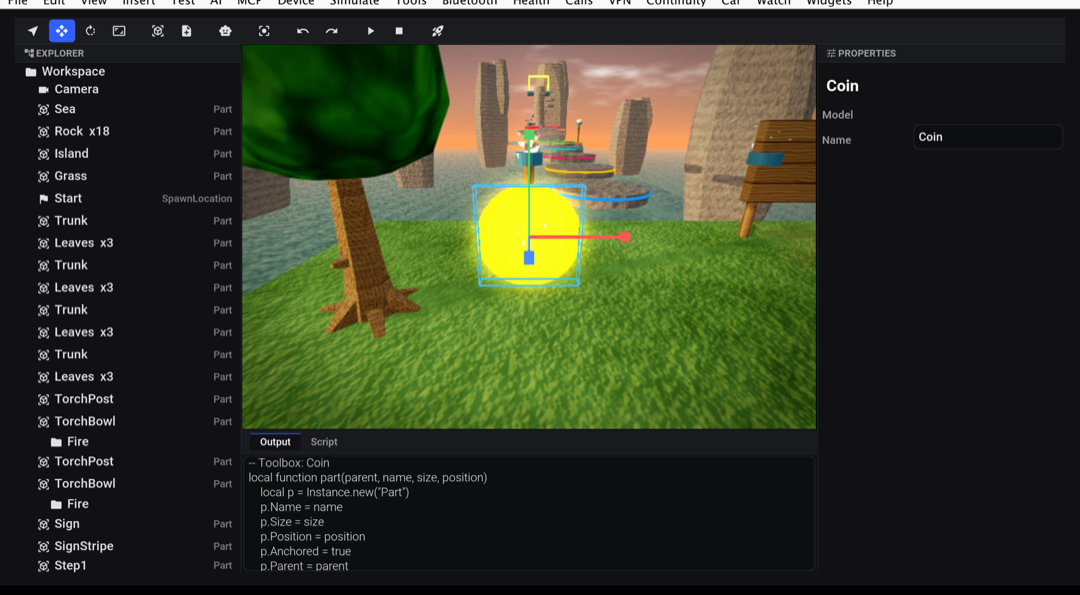
The desktop build lays out the same home screen across the window and plays with the keyboard. The studio gets a menu bar and a toolbar over the explorer, the viewport and the properties panel.
Building with an AI agent
Open an experience in the studio and choose AI agent mode. The studio’s tools are
then registered with the app’s built-in MCP server under the brickyard_ prefix, and an
agent connected to the device or simulator can build the experience itself. It can read
and edit the instance tree, write scripts and get the syntax check back, run a Luau
snippet against the place, apply templates, add effects and lighting, import and export
place files, take a screenshot, and publish. Its playtest tool plays a saved copy
with a number of players for a number of seconds and answers with the output, the
errors, the leaderstats and any unsupported API. Every button in the studio goes
through the same tools, so an agent can do whatever a creator can, and its edits appear
live in the explorer.
How it’s built
Brickyard is one project with the usual module layout. The engine is part of it, in the module both halves share, because the app plays and edits places and the server checks and runs them:
| Module | What it holds |
|---|---|
| The API contracts the app and the server share, and the engine: the Luau interpreter ( |
| The app: home, experience pages, play, the studio, friends, shop, the dashboard and the admin console. Its |
| The Codename One Backend server. It runs the engine on the JVM in development and compiled natively by ParparVM in production. |
The Luau runtime
The interpreter covers the full Luau syntax and the standard libraries. Coroutines are interpreter frames, not threads, so a script that waits doesn’t hold a thread. Every script resume runs under an instruction budget, so an infinite loop in a creator’s script becomes a reported error, never a hung app.
Place files and the compatibility report
com.codenameone.examples.brickyard.rbx.place reads and writes both the XML (.rbxlx) and binary (.rbxl)
place formats. Importing a place produces a compatibility report that lists the API its
scripts use that the engine lacks and the assets it replaced with placeholders. The
studio exports .rbxlx, so a creator can take a place back out.
Multiplayer
An experience runs on an authoritative server. Server scripts never leave it, and
nothing in ServerScriptService or ServerStorage does either. Each client receives a
snapshot of the replicated services, followed by property deltas, remote events and
remote function calls (ReplicaServer and ReplicaClient). Each client drives its own
character, and the server accepts a move only if the humanoid could make it at its own
speed, correcting the client when it couldn’t. Offline, the same place runs with the
server and the client in one process.
The server
The backend covers accounts, experiences with draft, publish and rollback, data stores, leaderboards written only by the engine, a ledger-based economy, progression with the season pass, and the social graph. Chat filtering depends on the reader’s age, and referral fraud checks write fraud flags. Moderation keeps an audit log, and analytics is stored per experience.
Creators get a dashboard with visits, retention, revenue by product and error reports grouped by version. From it, they roll back versions, sell game passes and products, and request payouts. Admins, moderators and support share a console with the report queue, sanctions and appeals, fraud flags, payout approval, home-row curation, currency grants, payout jobs and an audit log of every staff action.
Running it
The project is in scripts/brickyard. Its README has the exact commands: install the
framework, the engine and the backend runtime from the repository root with JDK 8,
then run mvn -Dcodename1.platform=backend -pl shared,backend test for the server and
mvn -Dcodename1.platform=javase -pl common -am test for the client, both with JDK 17.
.github/workflows/brickyard.yml runs the same steps: the engine tests, the server
tests on SQLite, PostgreSQL and MySQL, and the client tests.
Making it yours
Templates: each template is a place file in
shared/src/main/resources/com/codenameone/examples/brickyard/rbx/templates, with a thumbnail beside it.TemplateGalleryin the app’sstudiopackage lists them for the Create tab. Add a place file and a thumbnail to offer a new kind of game.The economy: the store product ids, the Plus subscription and the rewarded ad unit are in
AppConfig. On the server, quests, levels and the season pass are in theprogresspackage, and the wallet and the store receipt validators ineconomy.The look: every color is a constant at the top of
common/src/main/css/theme.css: charcoal surfaces, a green Play, a blue primary action and yellow kept for Bricks and badges. Every screen is built from ordinary widgets that these rules dress, so changing the palette re-skins the app.The name: the application source is MIT-0 (
scripts/brickyard/LICENSE), so rename it, change it and ship it without royalties.
What a live deployment still needs
Store receipts are accepted only on the development and test profiles until a store validator is configured; elsewhere the receipt endpoint answers 503. Configure your own products and validator.
Assets a place file references by URL are replaced by placeholders, and the compatibility report names them. A live platform needs its own asset hosting.
Your own hosting, a database, a push key and ad units.