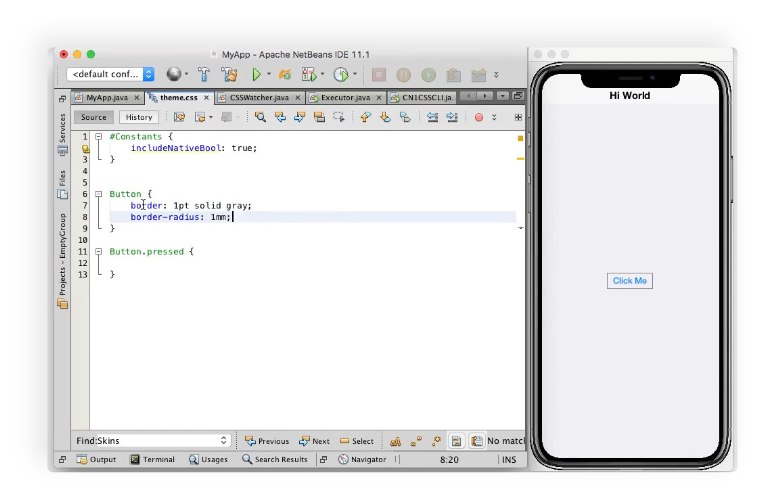
Build Codename One apps in the IDE you already know. Keep a single workflow from first prototype to native app delivery.
Why this workflow works
One Codebase
Develop once in Java and deliver across mobile, desktop, and web targets.
Fast Iteration
Use simulator, debugger, and live styling loops to shorten feedback time.
Native Delivery
Generate Android and iOS native apps from one project and one team flow.
Supported IDEs
 IntelliJ IDEA
 VS Code
 Eclipse
 NetBeans
From first project to native app
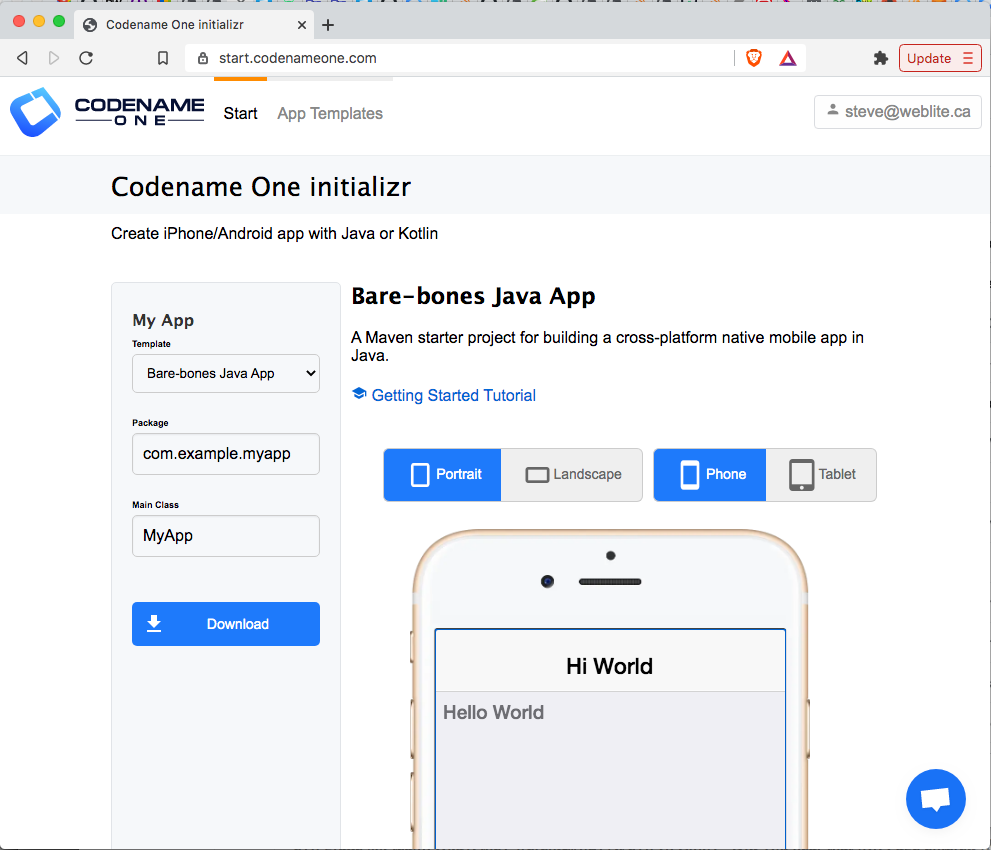
Create the project
Scaffold a new project using the Codename One Initializr.
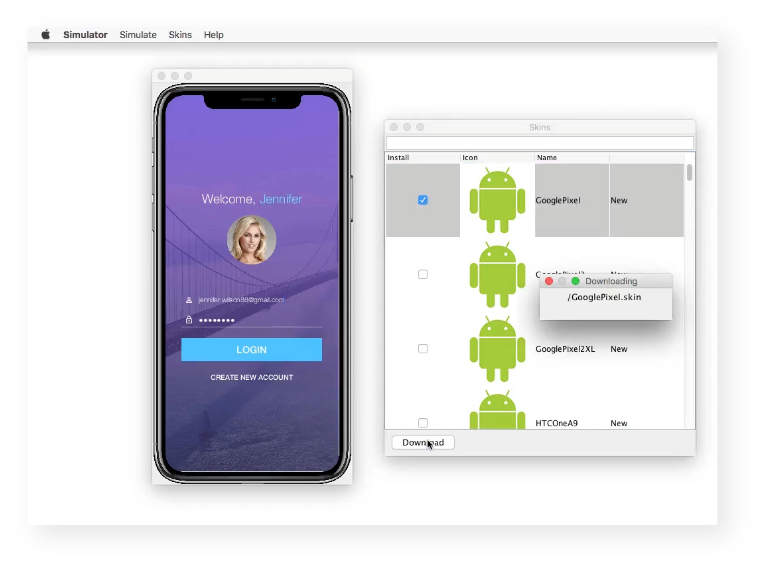
Run in simulator
Test forms, flows, and behavior early so design and logic stay aligned throughout development.
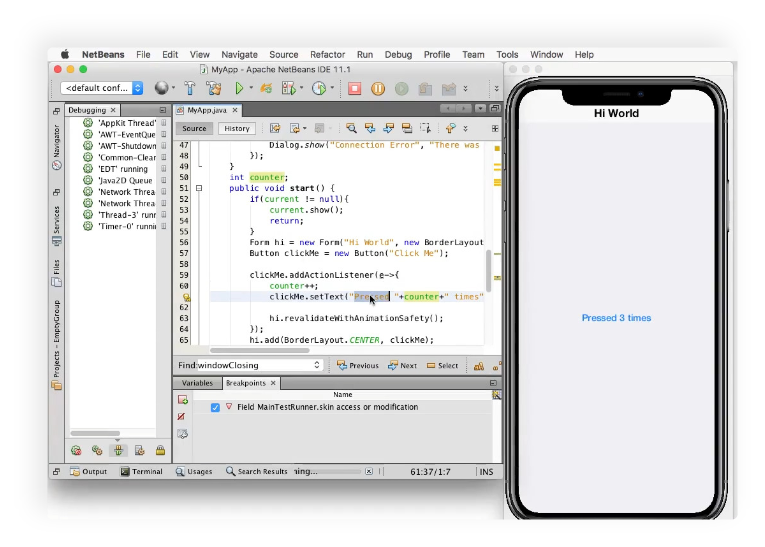
Debug and refine
Trace issues in your IDE and validate fixes quickly to keep development velocity high.
Build native apps
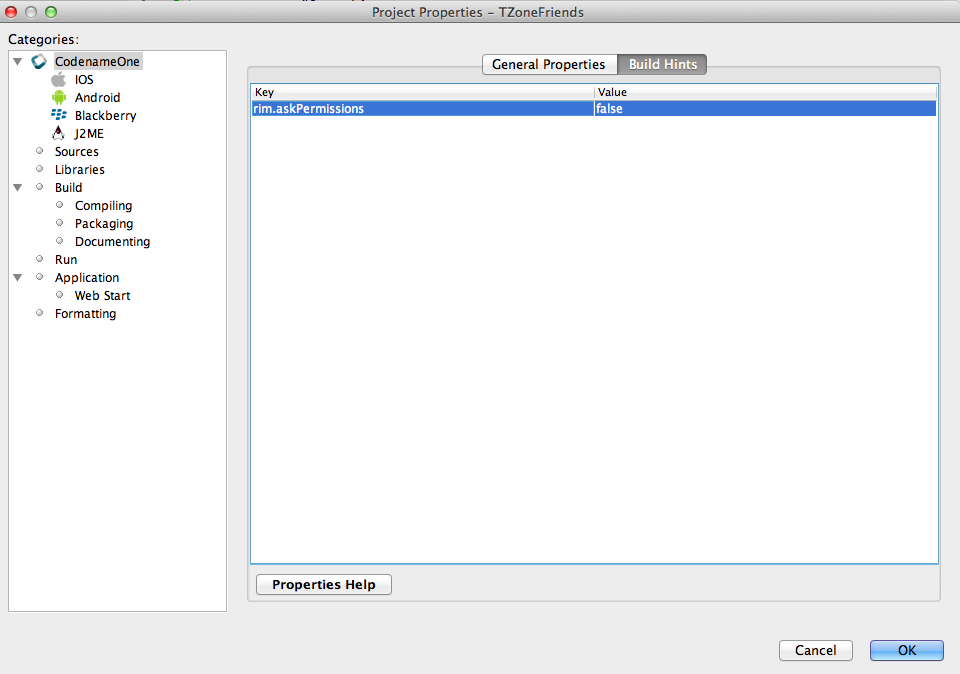
Package and ship platform-native deliverables for Android and iOS from the same project.
Design and polish
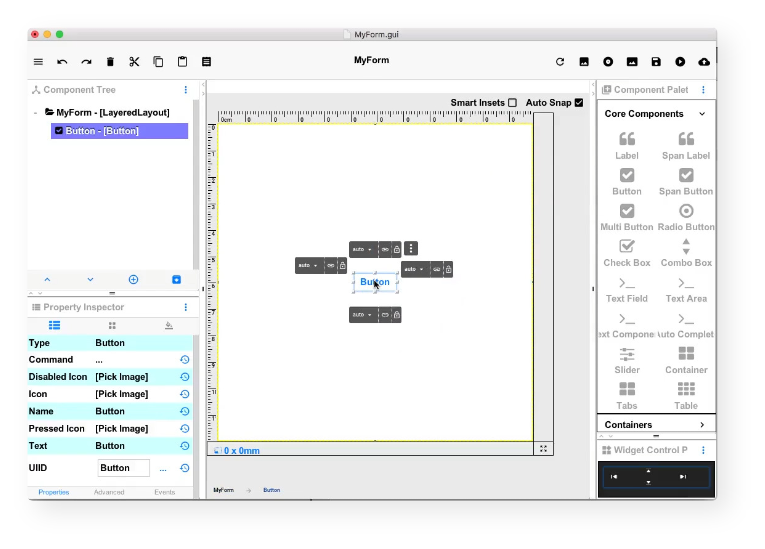
GUI Builder
Compose screens visually where it accelerates delivery, then continue refining behavior in code.
CSS Live Update
Update styles and immediately validate visual changes in the simulator to speed up polish and theming work.